
From story to screenPowered by AI
Write it, stage it, shoot it, finish it. One system, from the page to the cut.
From script to finished shots
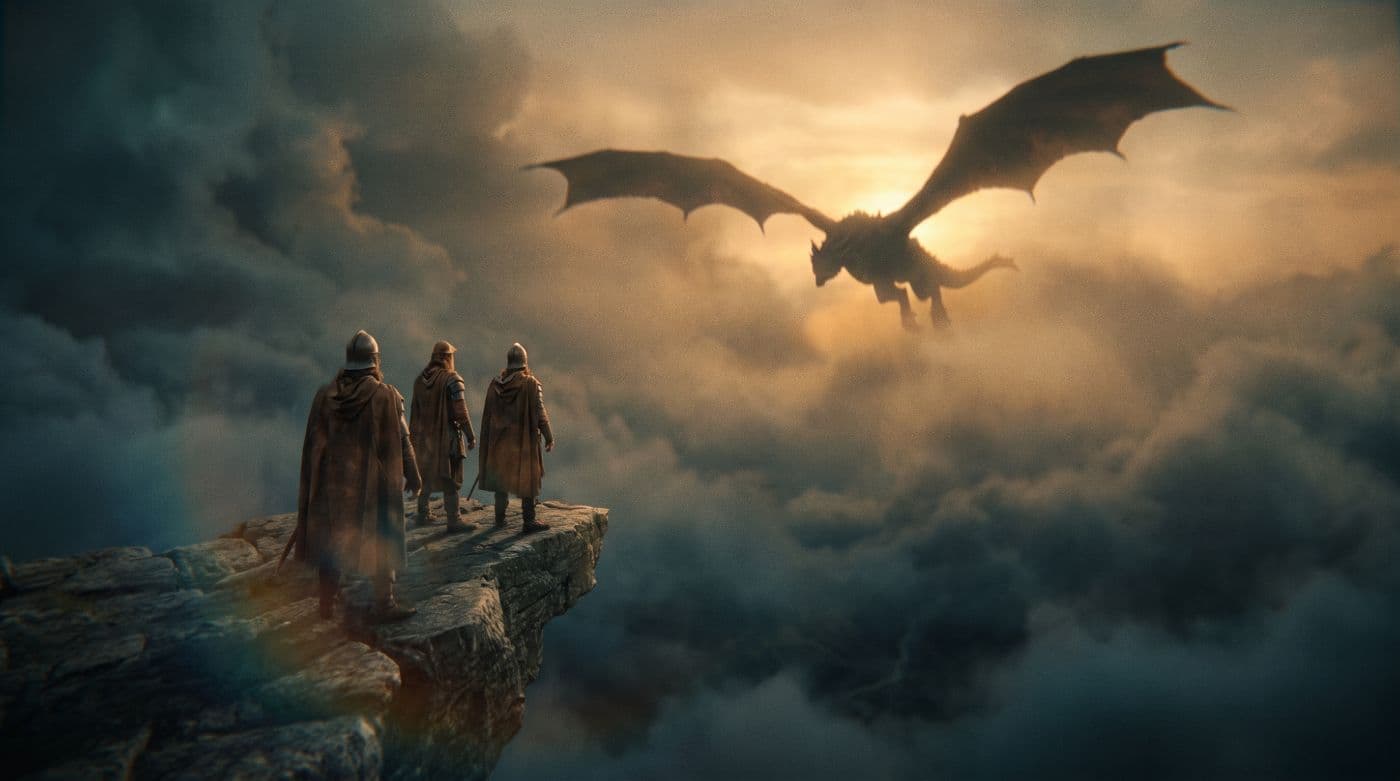
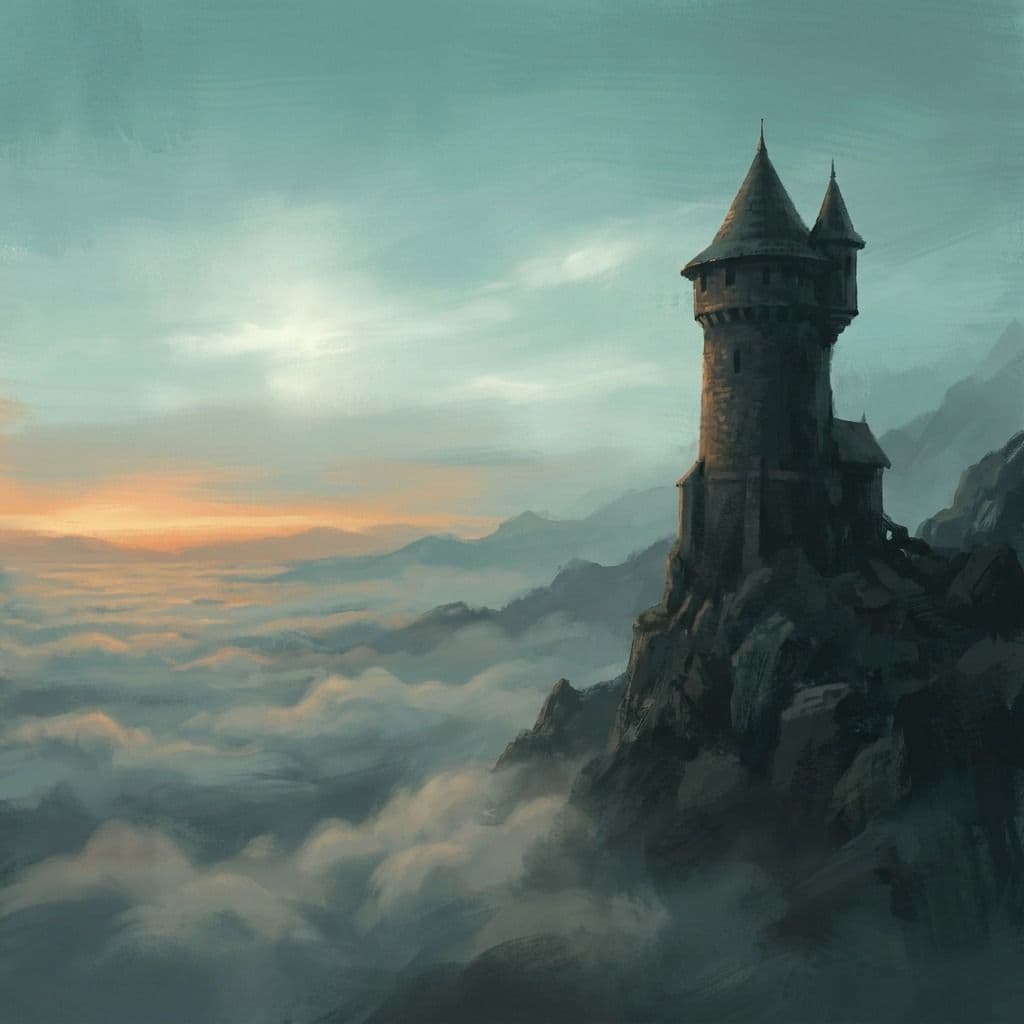
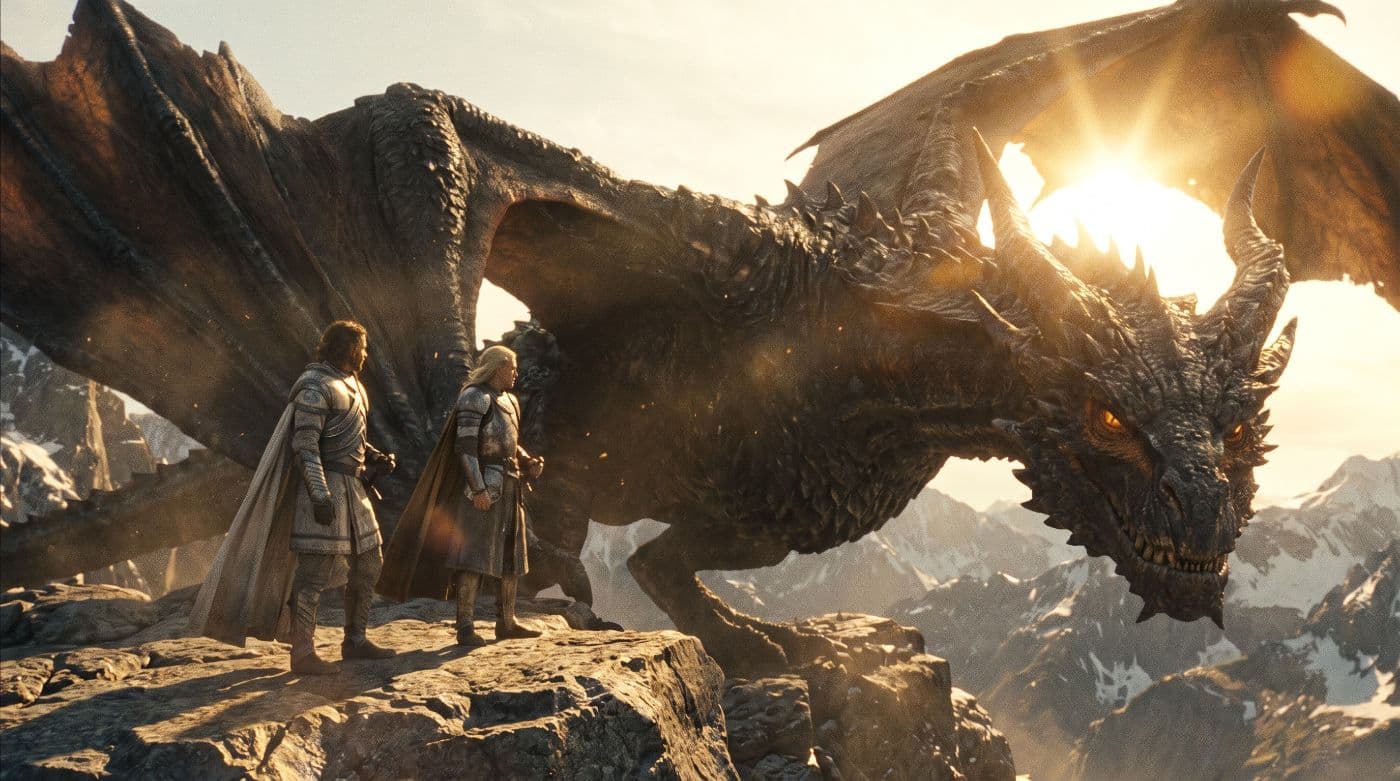
Scene 41 — Cliff ledge, dawn
The ledge is barely wide enough for three. Below them, nothing but cloud, moving fast.
MAREN
It comes with the sun. Every time. Nine days running.
KESTREL
(not looking away)
Then we meet it at the sun.
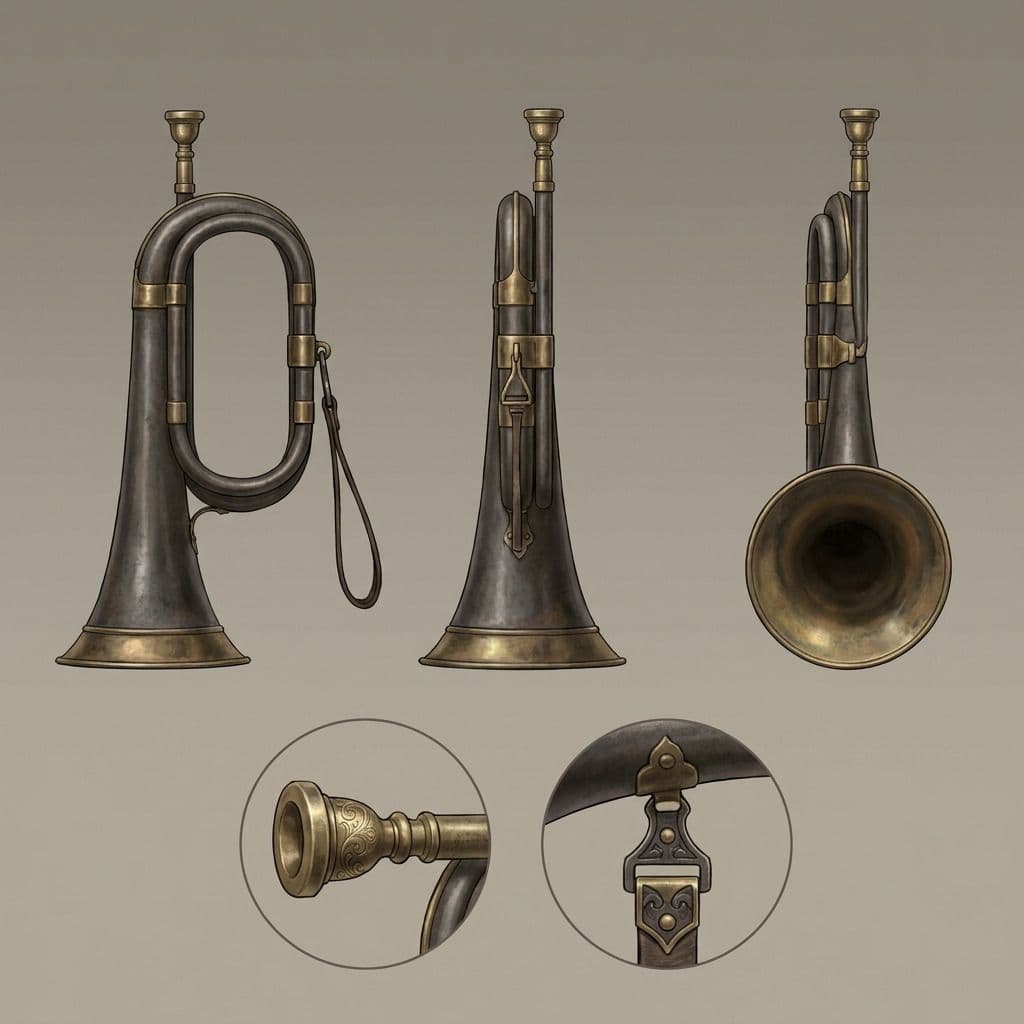
Maren sets the signal horn down on the stone. It rings once, faintly, and she flinches.
A shadow crosses the cloudbank, and keeps crossing — far longer than a shadow has any right to be.
KESTREL
Hold the marks.
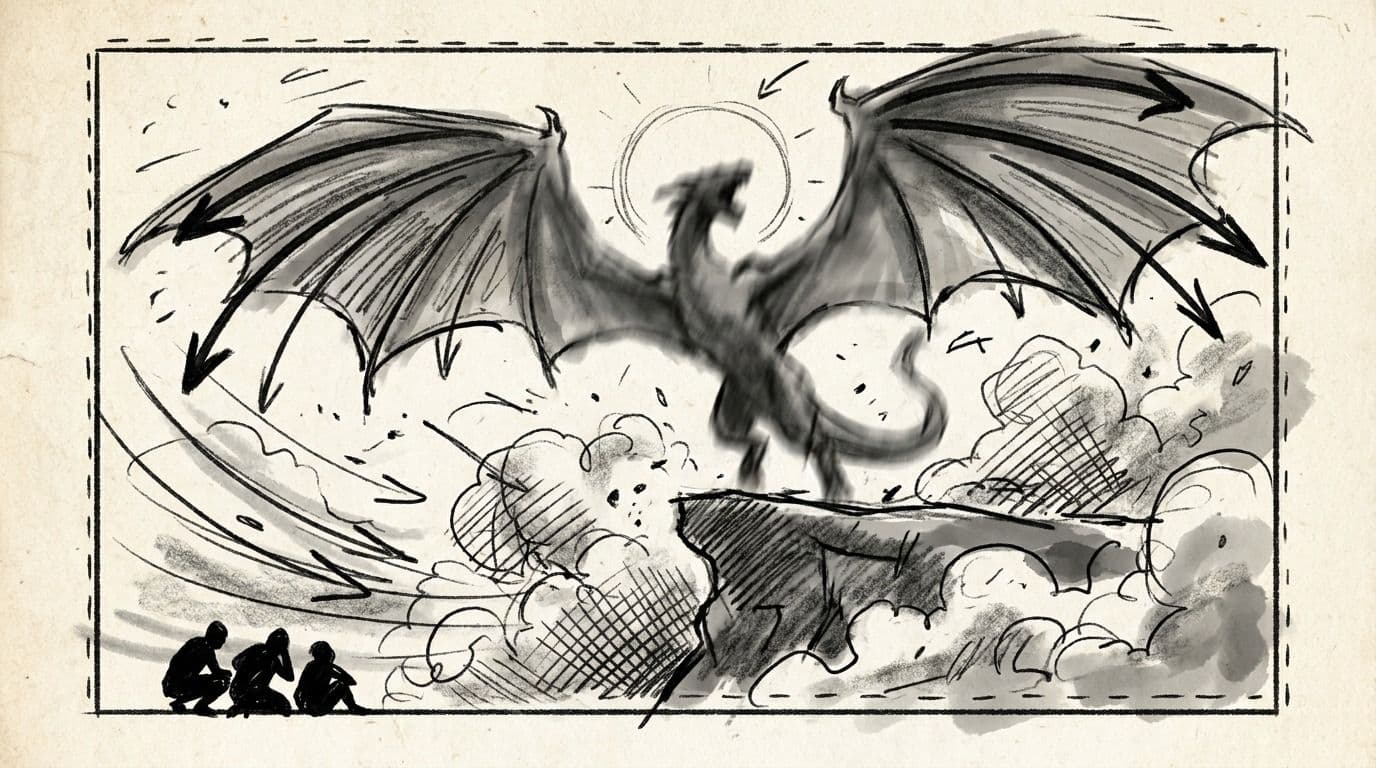
Nobody moves. The wind drops. Somewhere above them, something enormous folds its wings.
MAREN
It's already here.
Scene 42 — The sun side, moments later
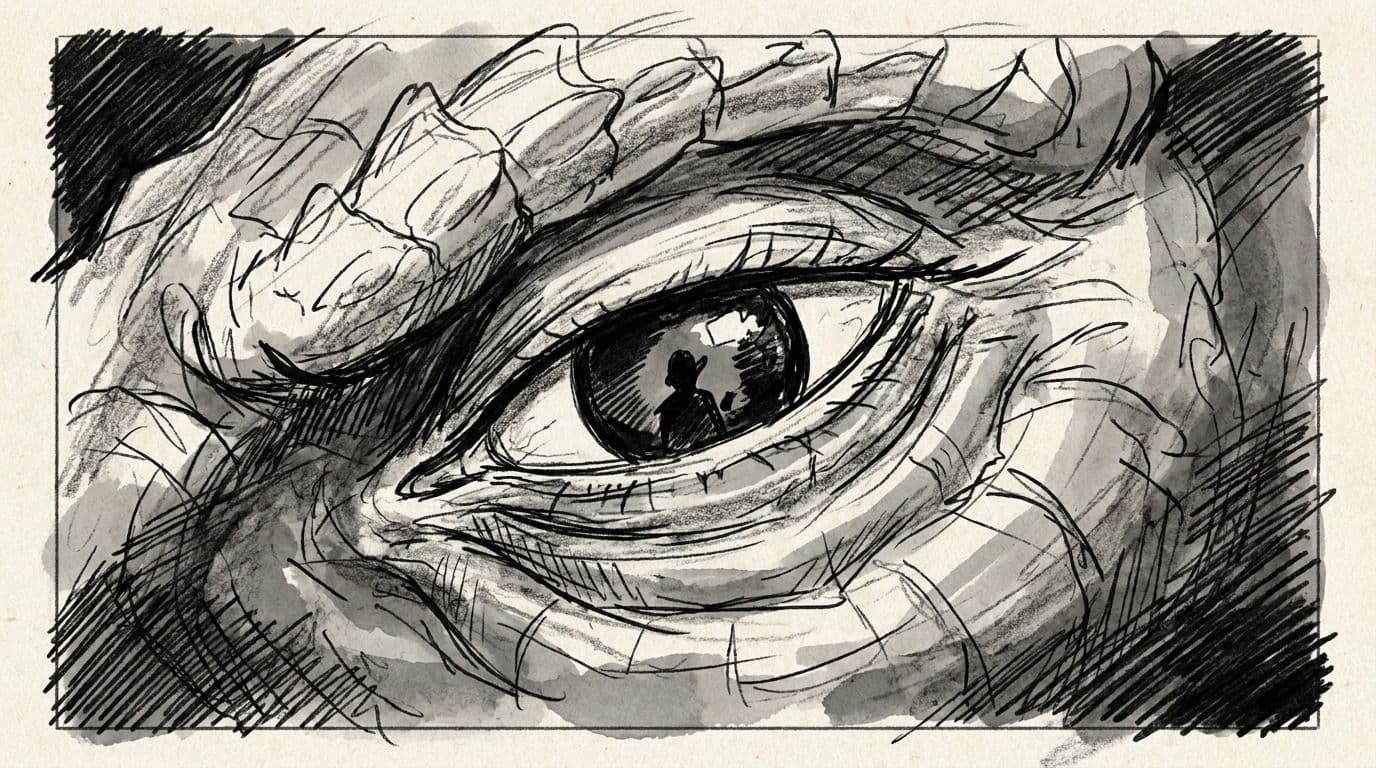
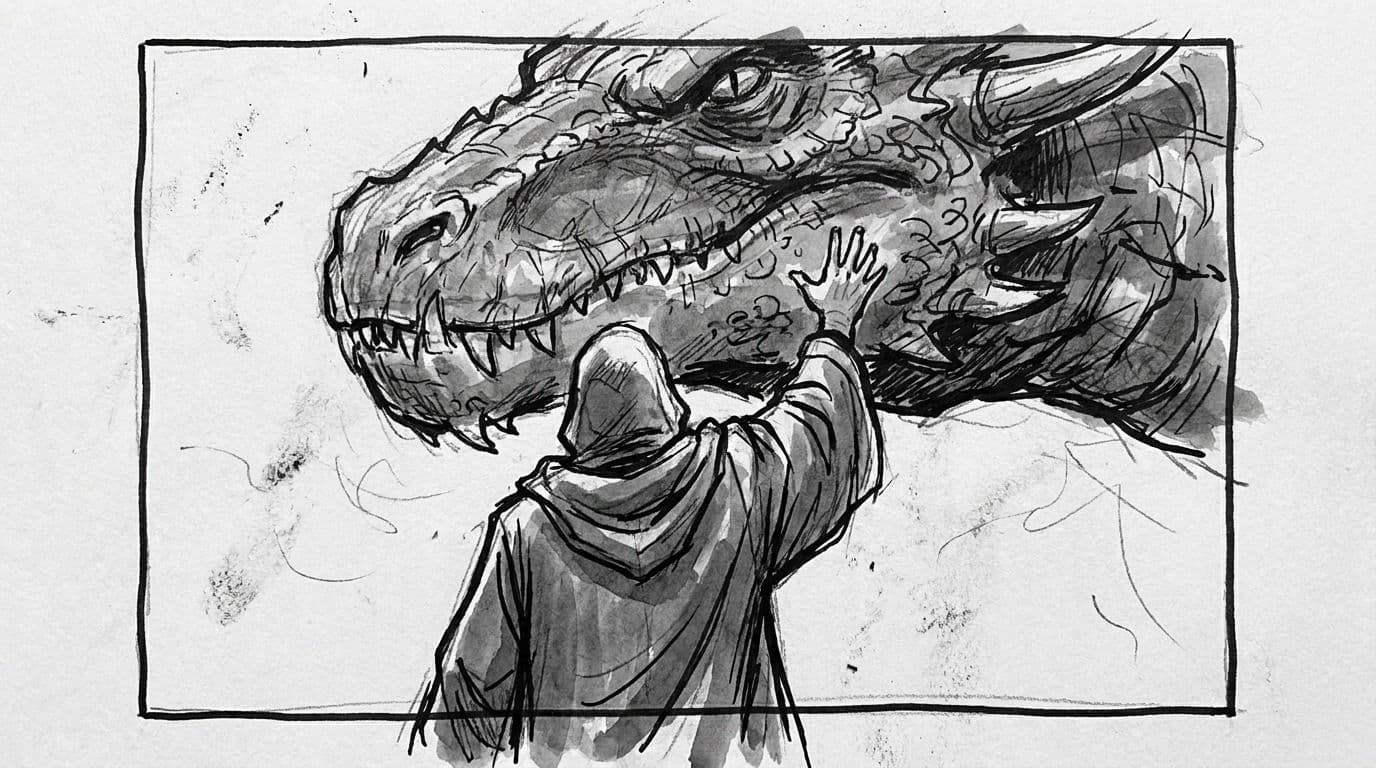
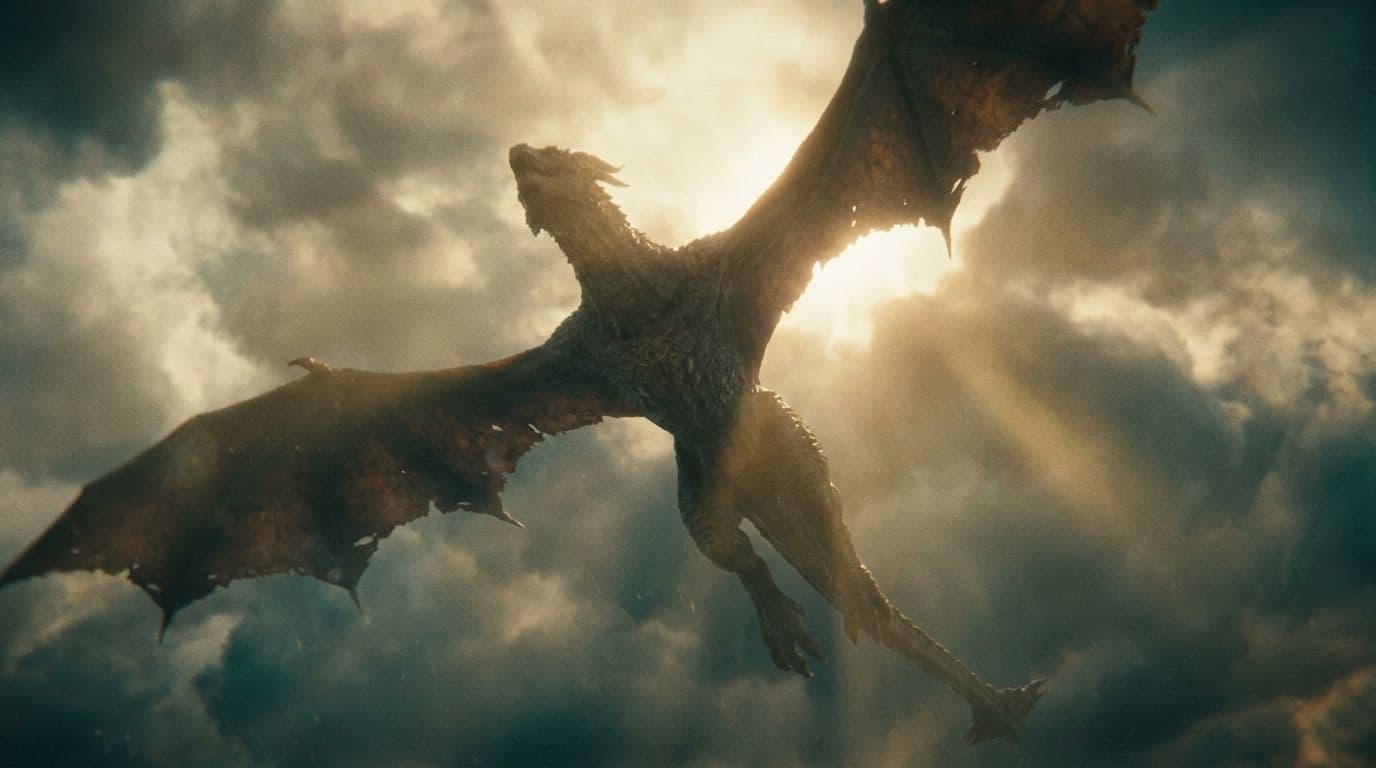
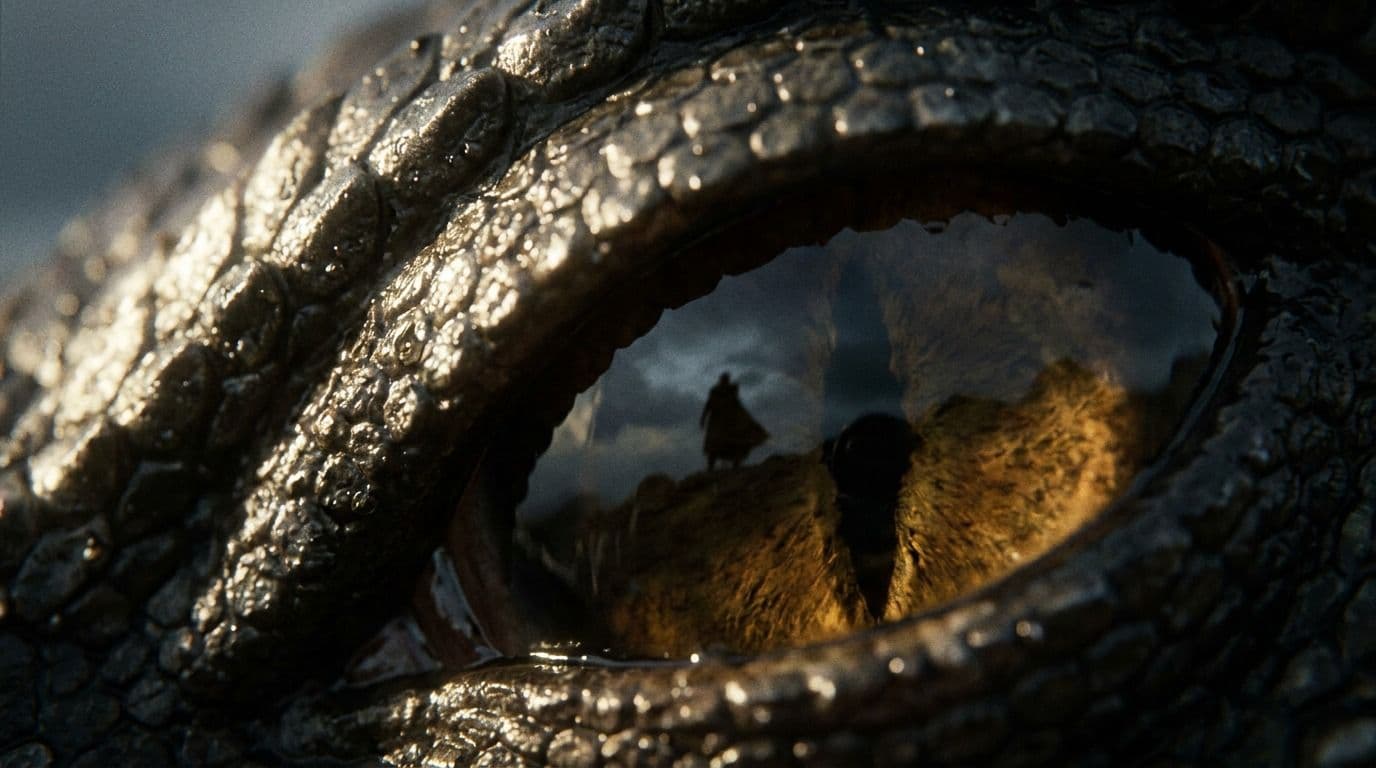
Light everywhere. The creature turns into it, and for one held beat they see all of it at once.
From script to finished shots
Drop in the screenplay. It comes back split into scenes, beats and speaking parts.
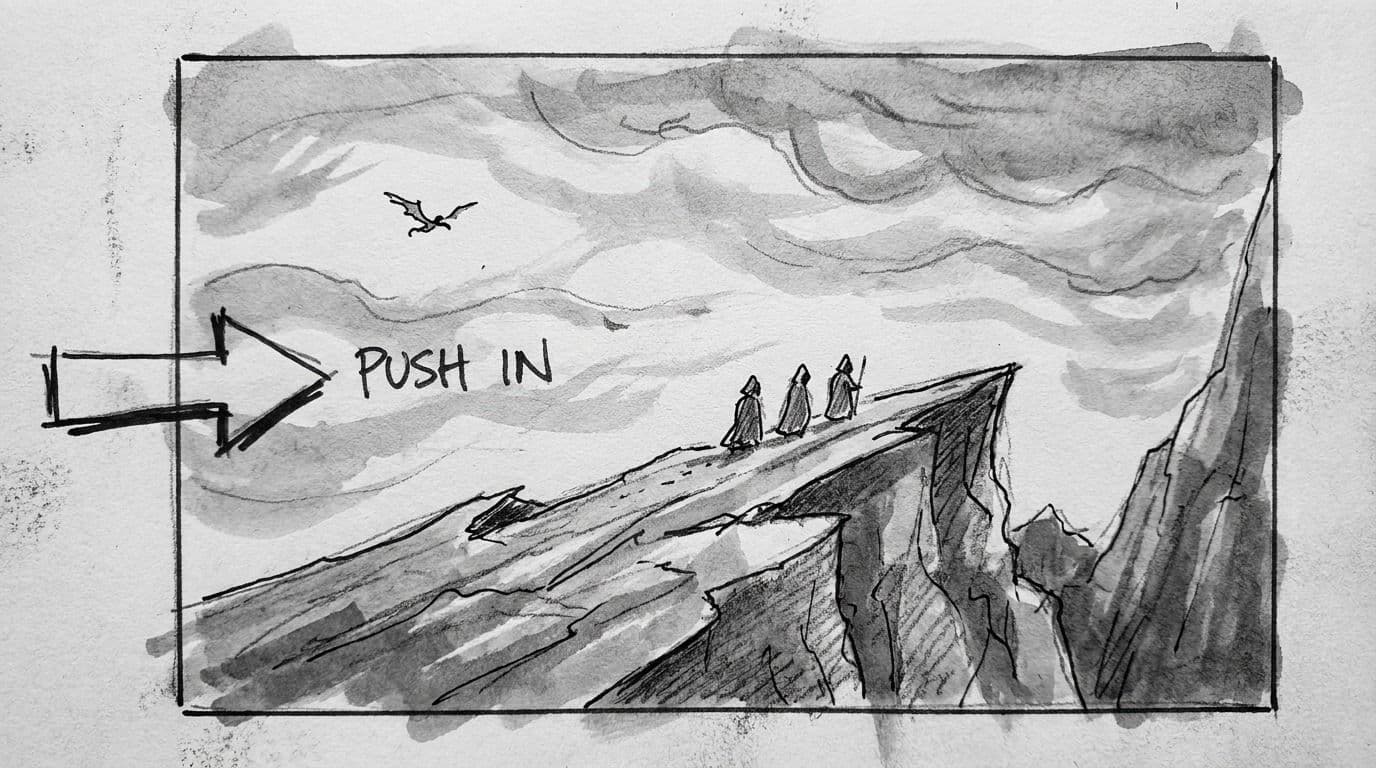
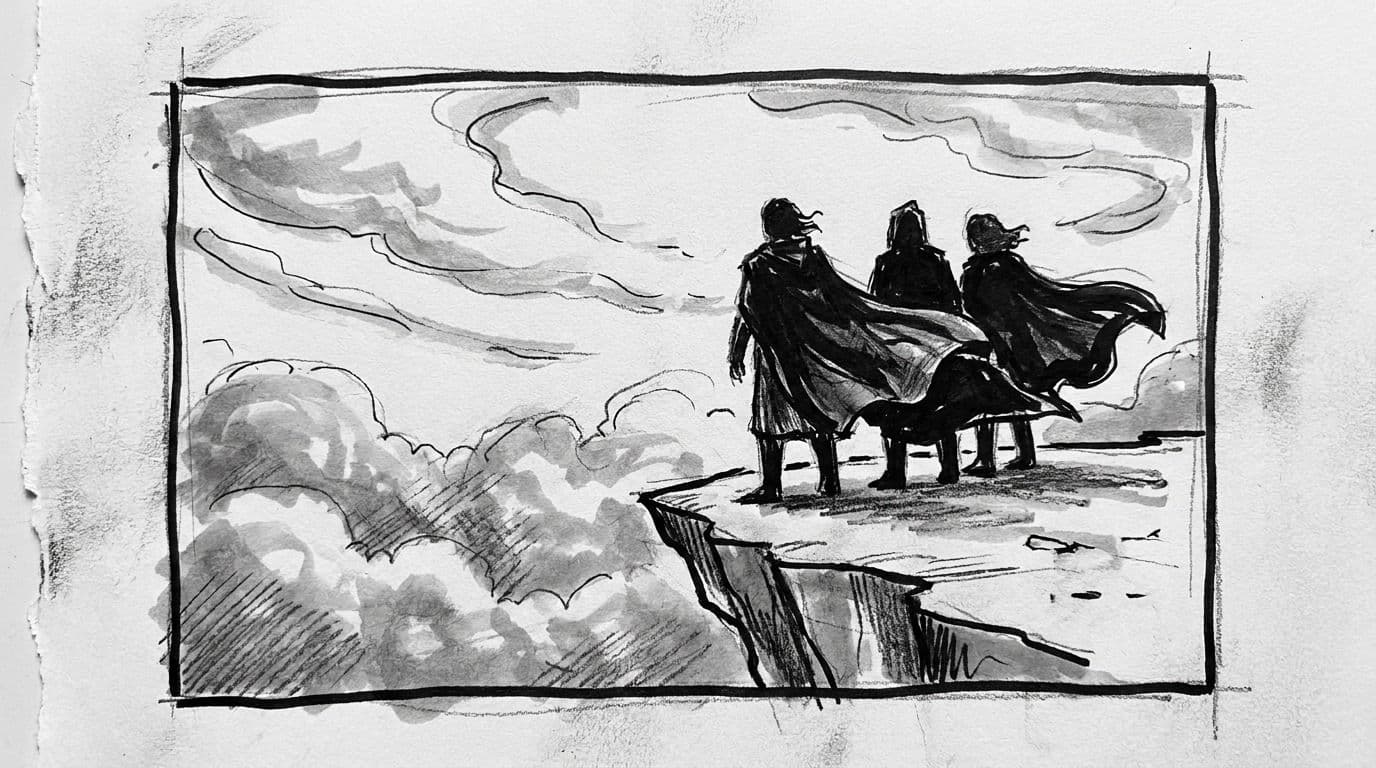
Scene 41 — Cliff ledge, dawn
The ledge is barely wide enough for three. Below them, nothing but cloud, moving fast.
MAREN
It comes with the sun. Every time. Nine days running.
KESTREL
(not looking away)
Then we meet it at the sun.
Maren sets the signal horn down on the stone. It rings once, faintly, and she flinches.
A shadow crosses the cloudbank, and keeps crossing — far longer than a shadow has any right to be.
KESTREL
Hold the marks.
Nobody moves. The wind drops. Somewhere above them, something enormous folds its wings.
MAREN
It's already here.
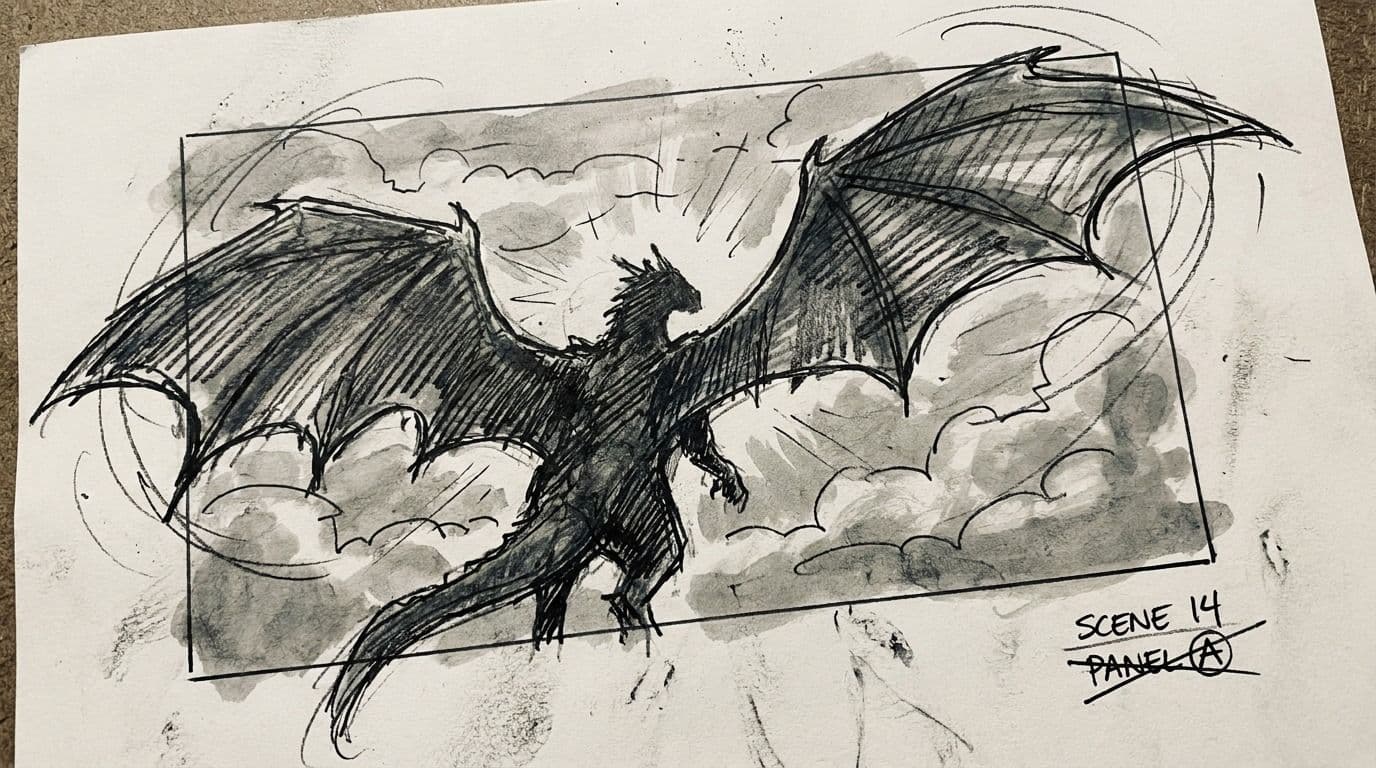
Scene 42 — The sun side, moments later
Light everywhere. The creature turns into it, and for one held beat they see all of it at once.
Each beat becomes a boarded shot, with the coverage, lens and camera move written down.
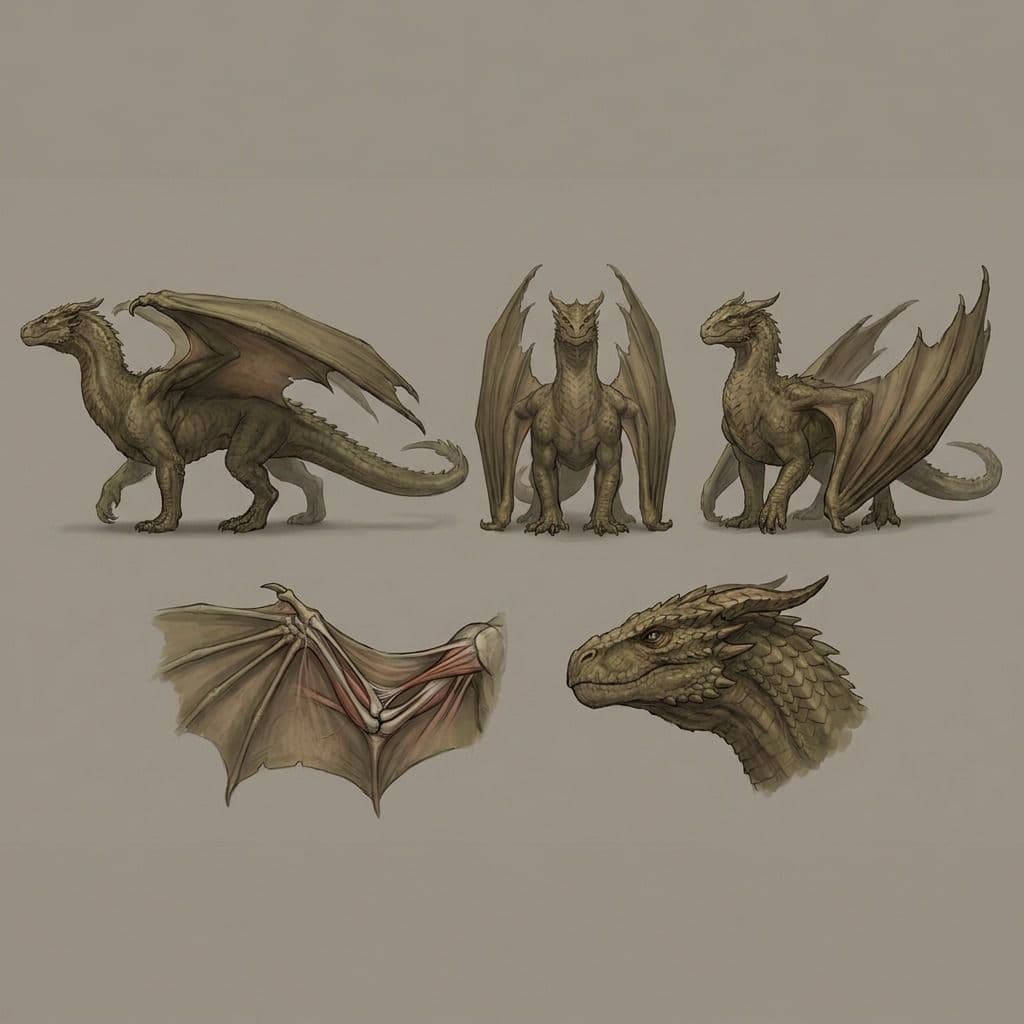
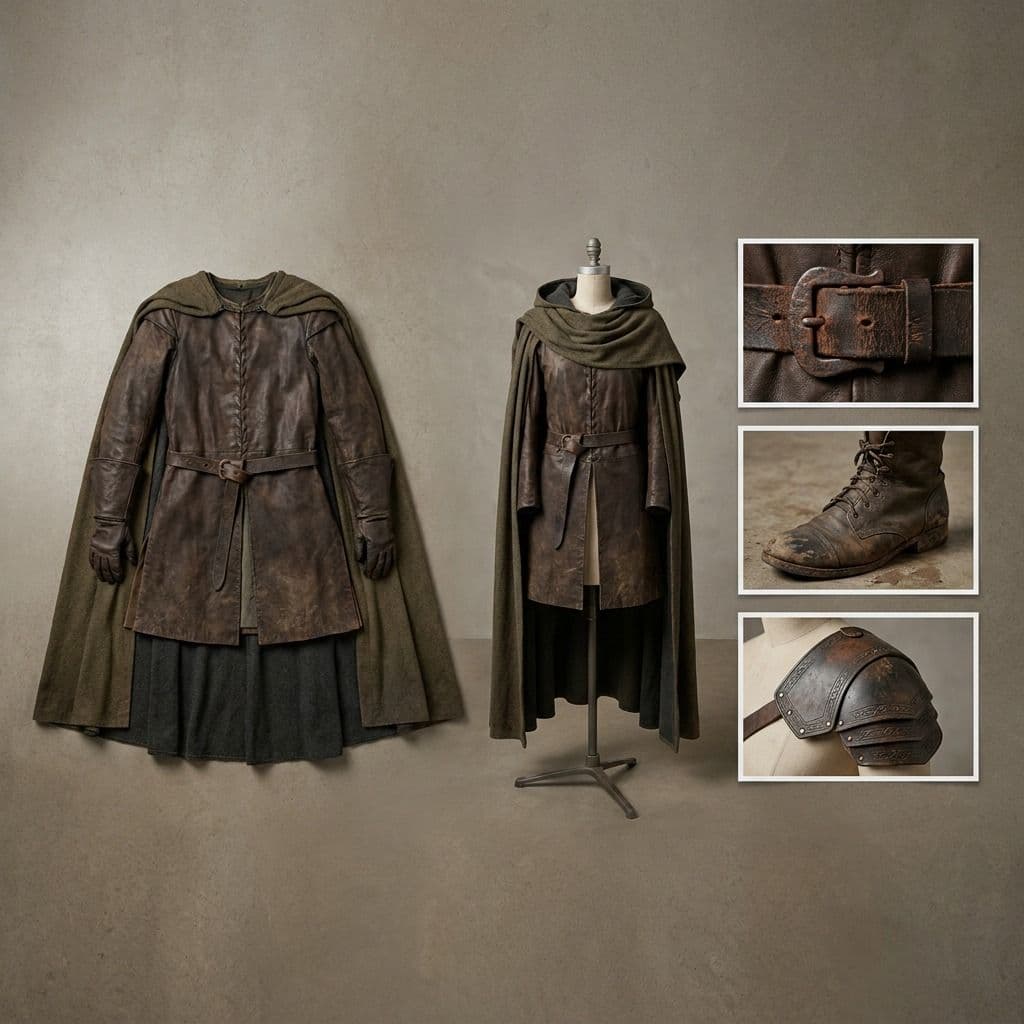
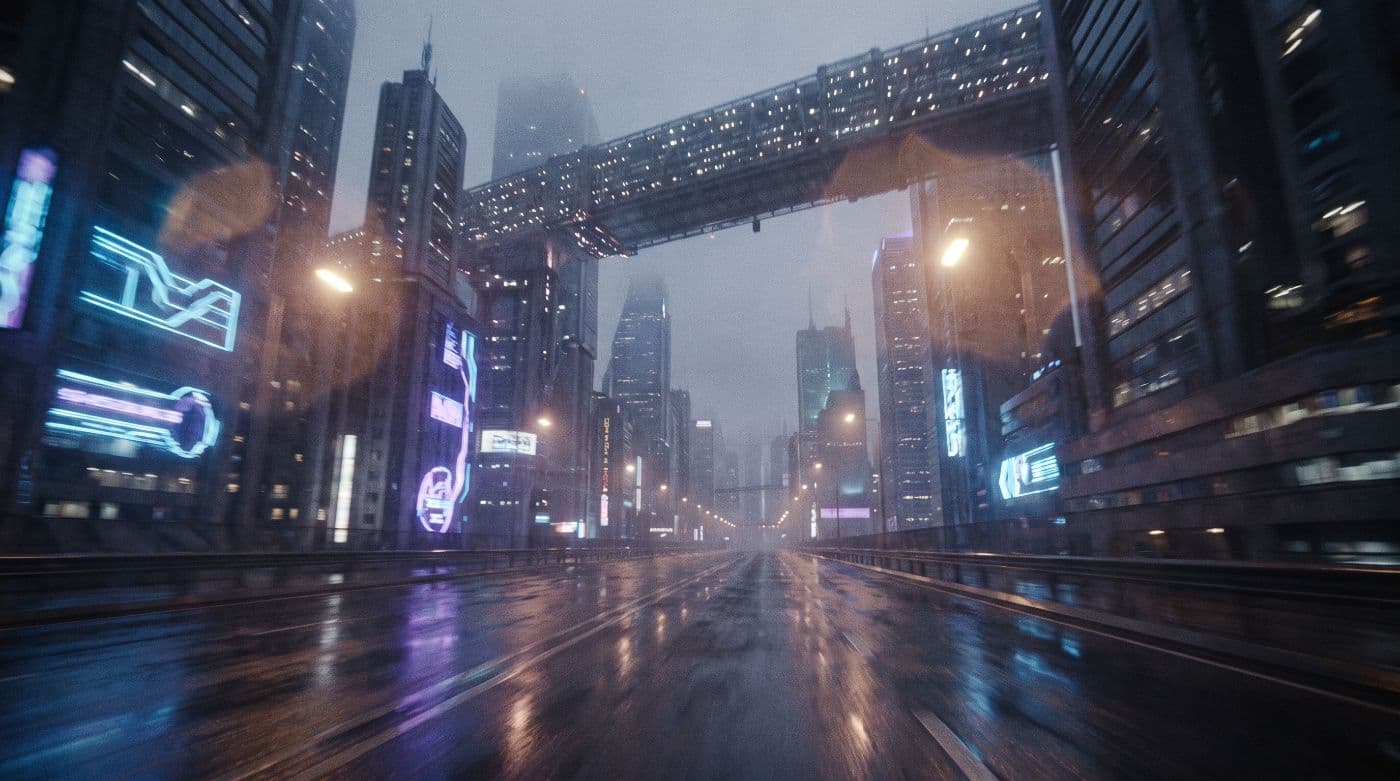
Design the creature, the costume, the prop and the location once. Reuse them across the whole slate.
Each boarded shot gets generated from the assets you already built.
Direct every decision
Stage it, frame it, direct it, then generate. Every step is your call.
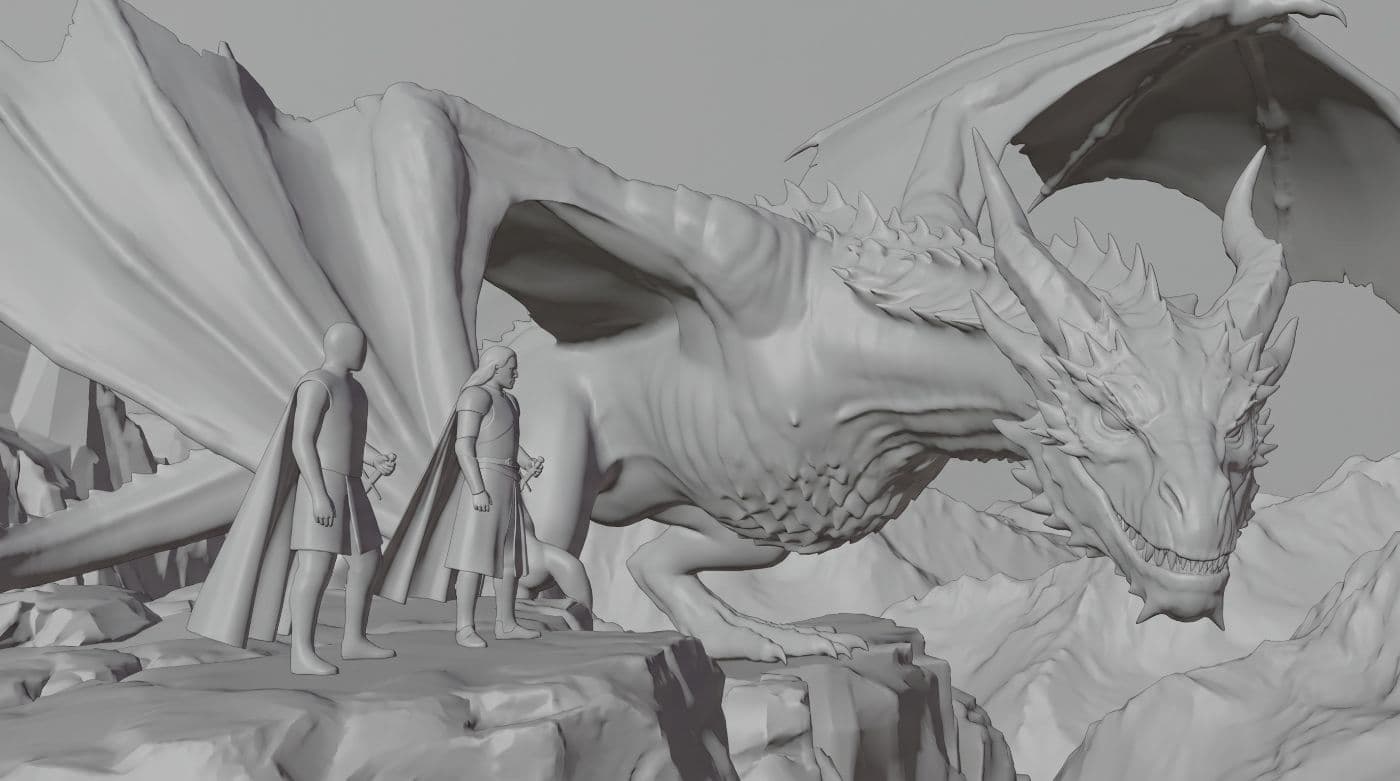
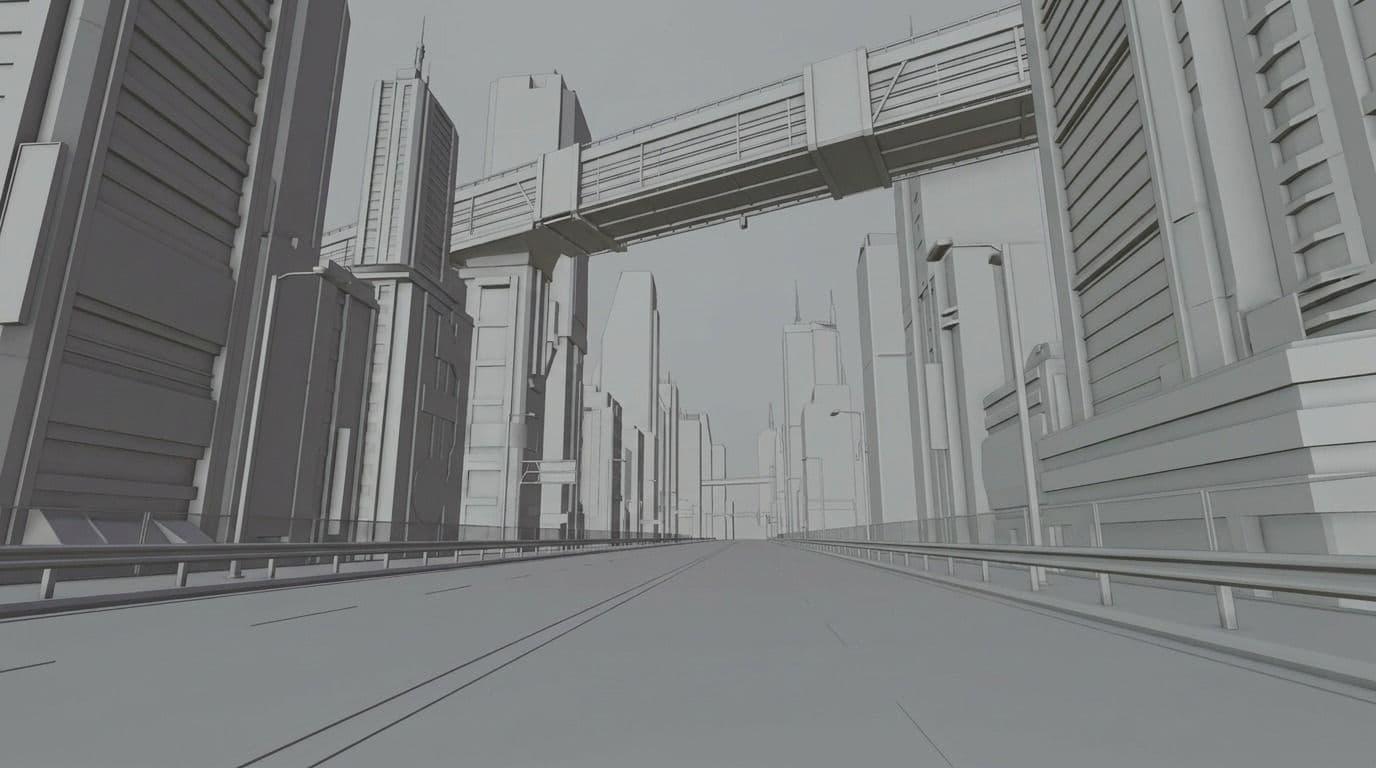
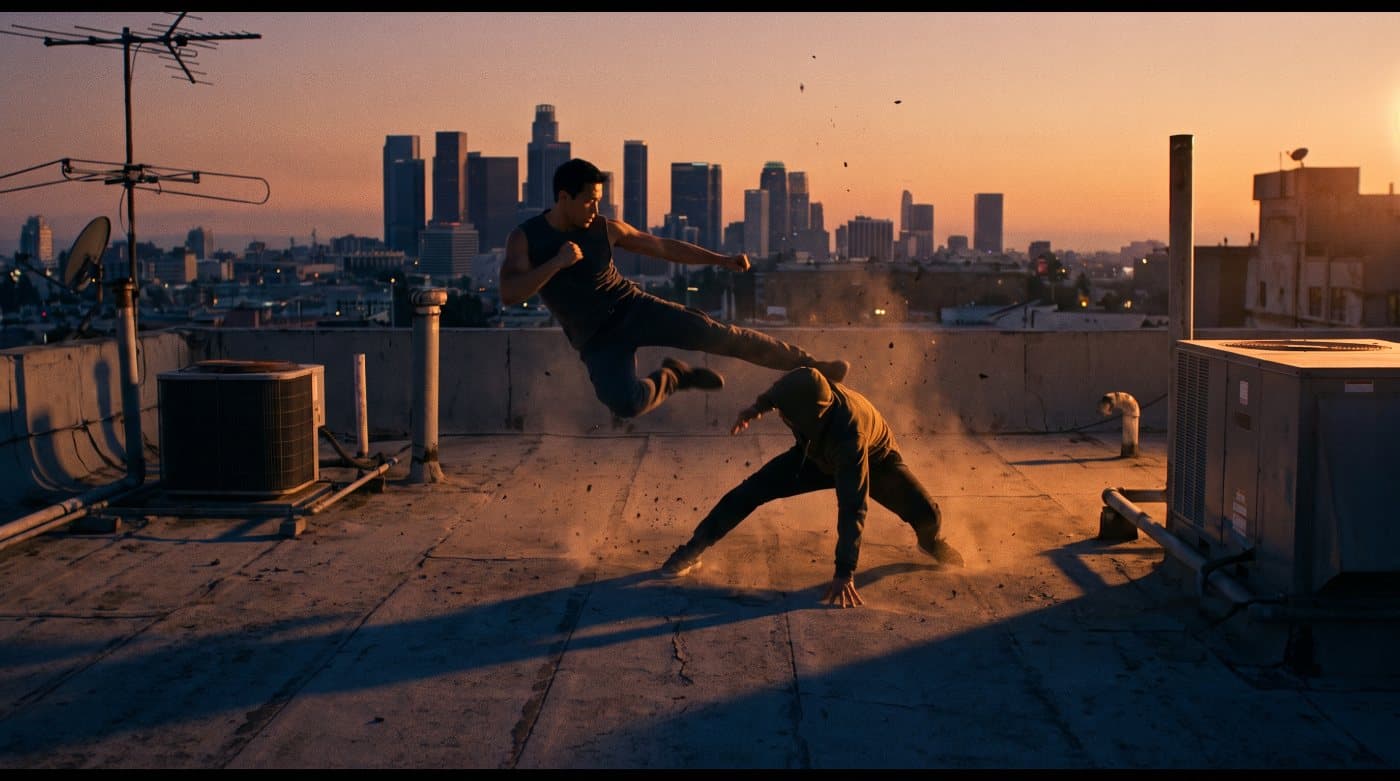
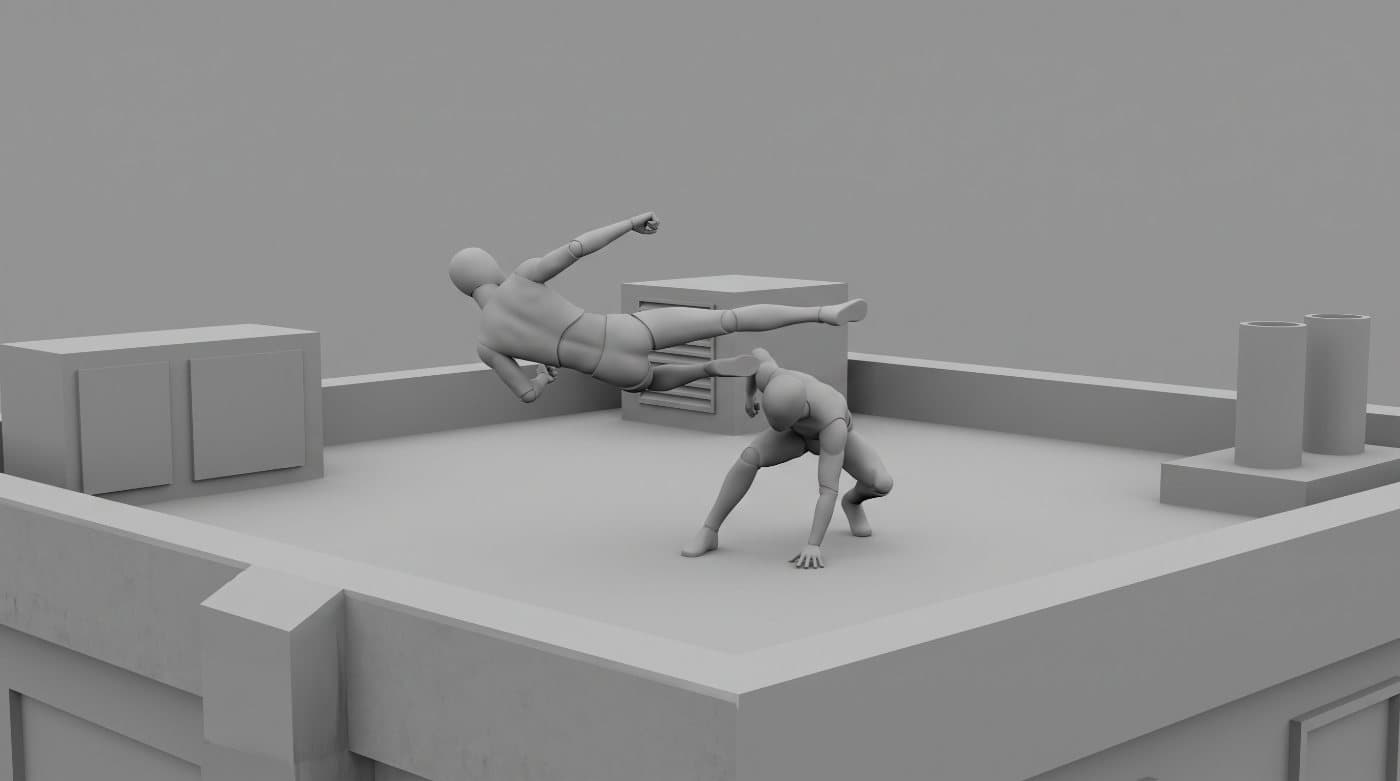
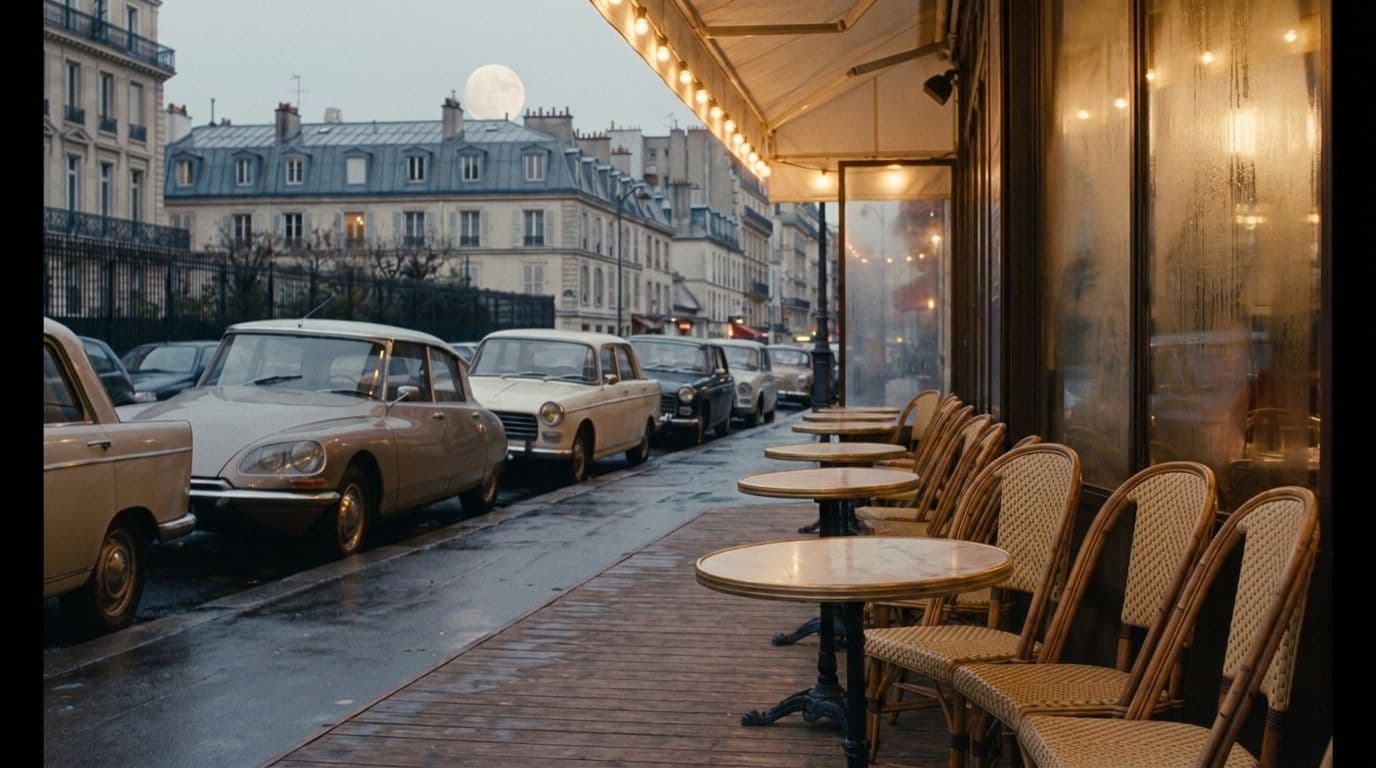
Stage the Scene
Set the blocking and the camera before anything renders.
Camera Rig
Auto · Auto · Auto · Auto
BODY
LENS
FOCAL
APERTURE
Scroll a dial, drag the arrows, or use the arrow keys
Hollywood camera control
Set the body, lens, aperture, lighting and move yourself, the way you would on a real rig.
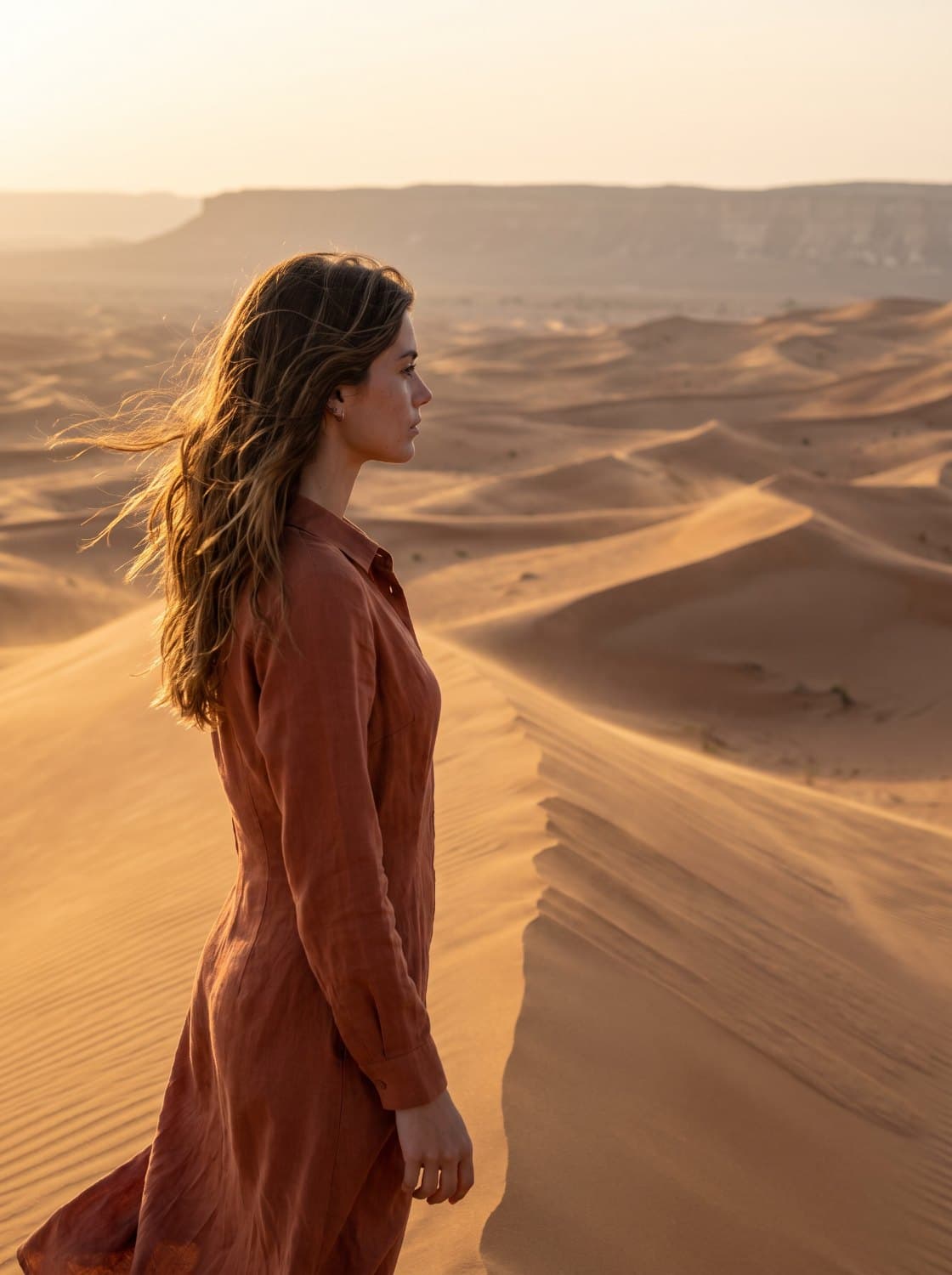
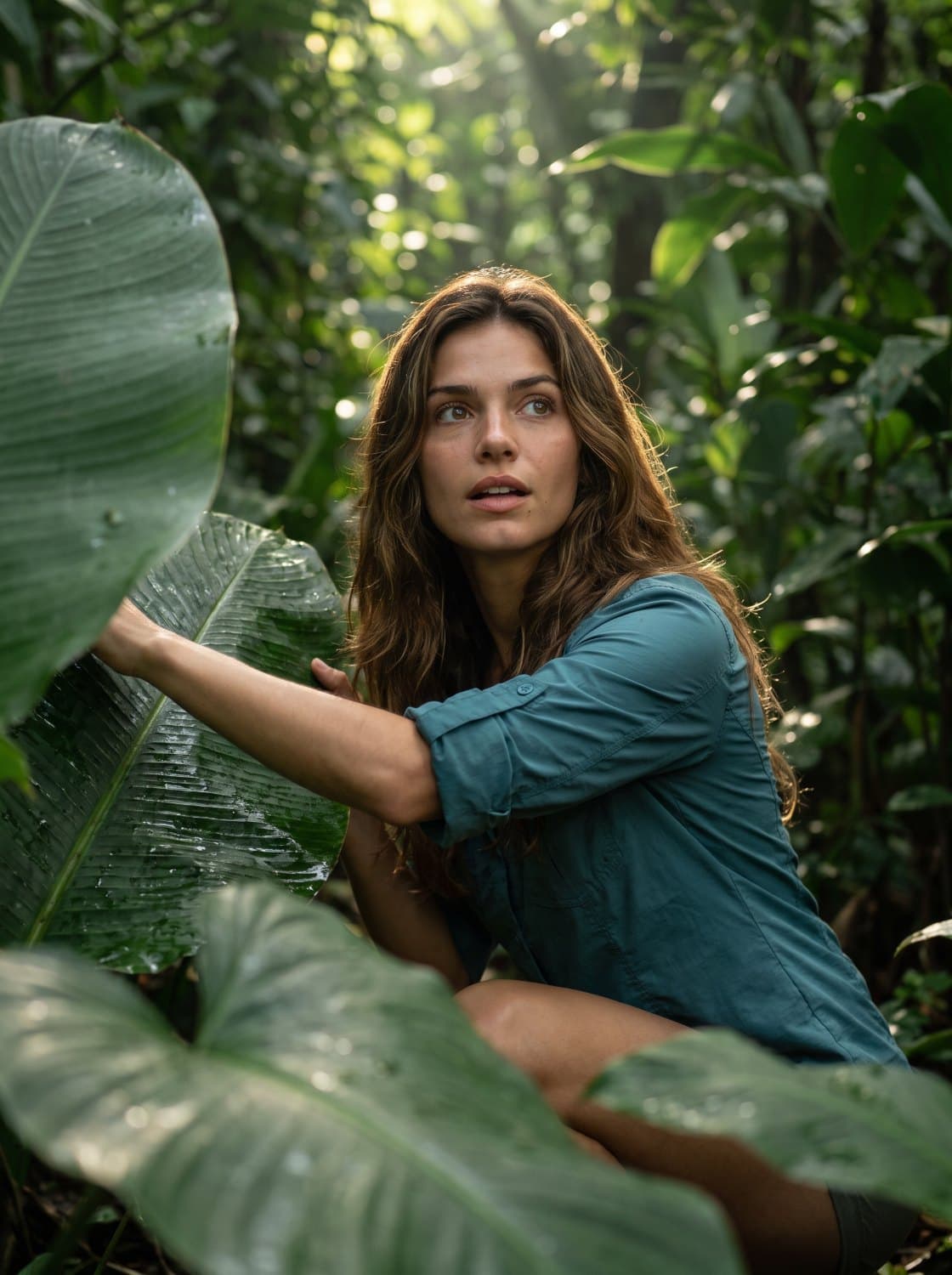
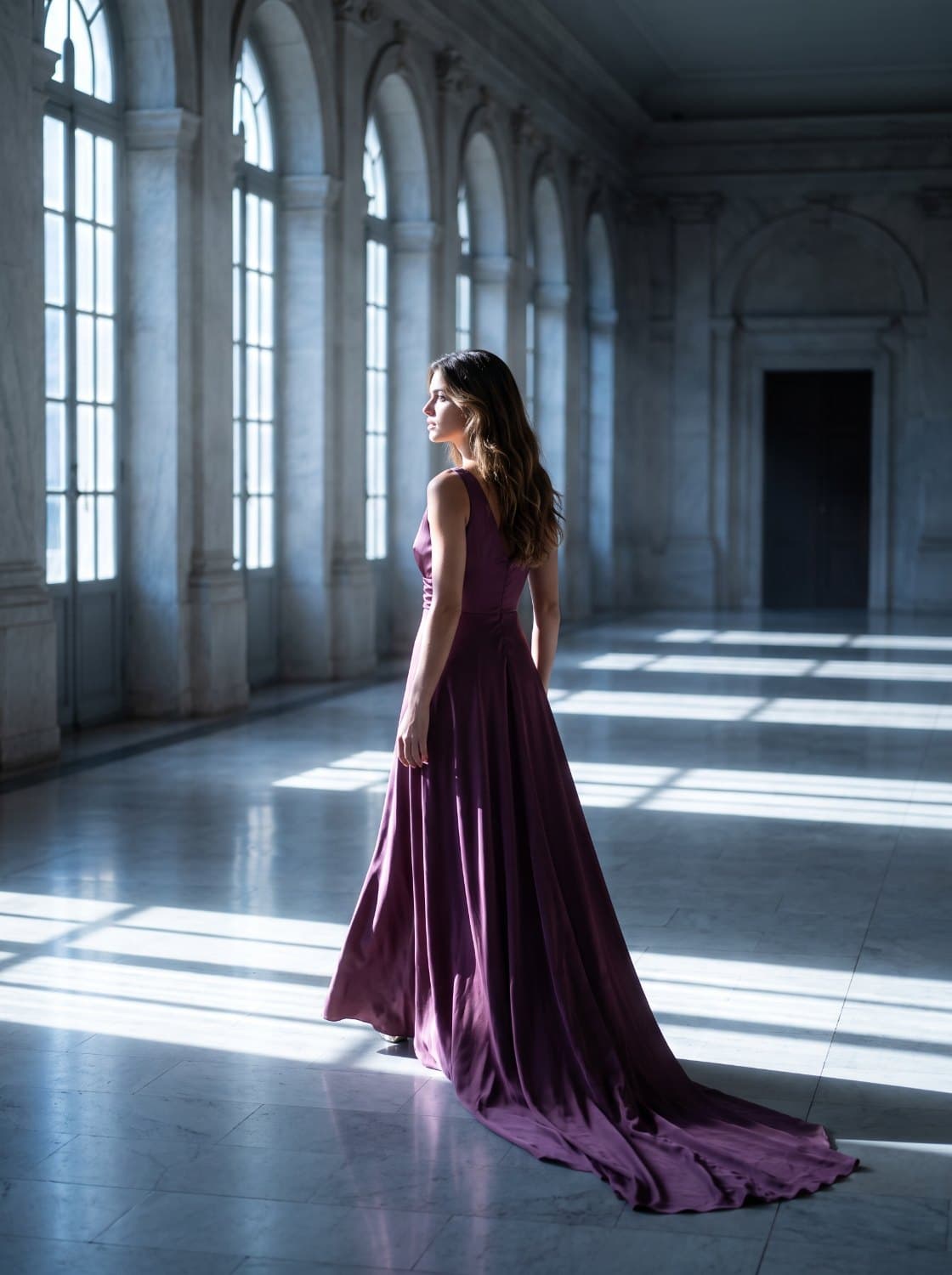
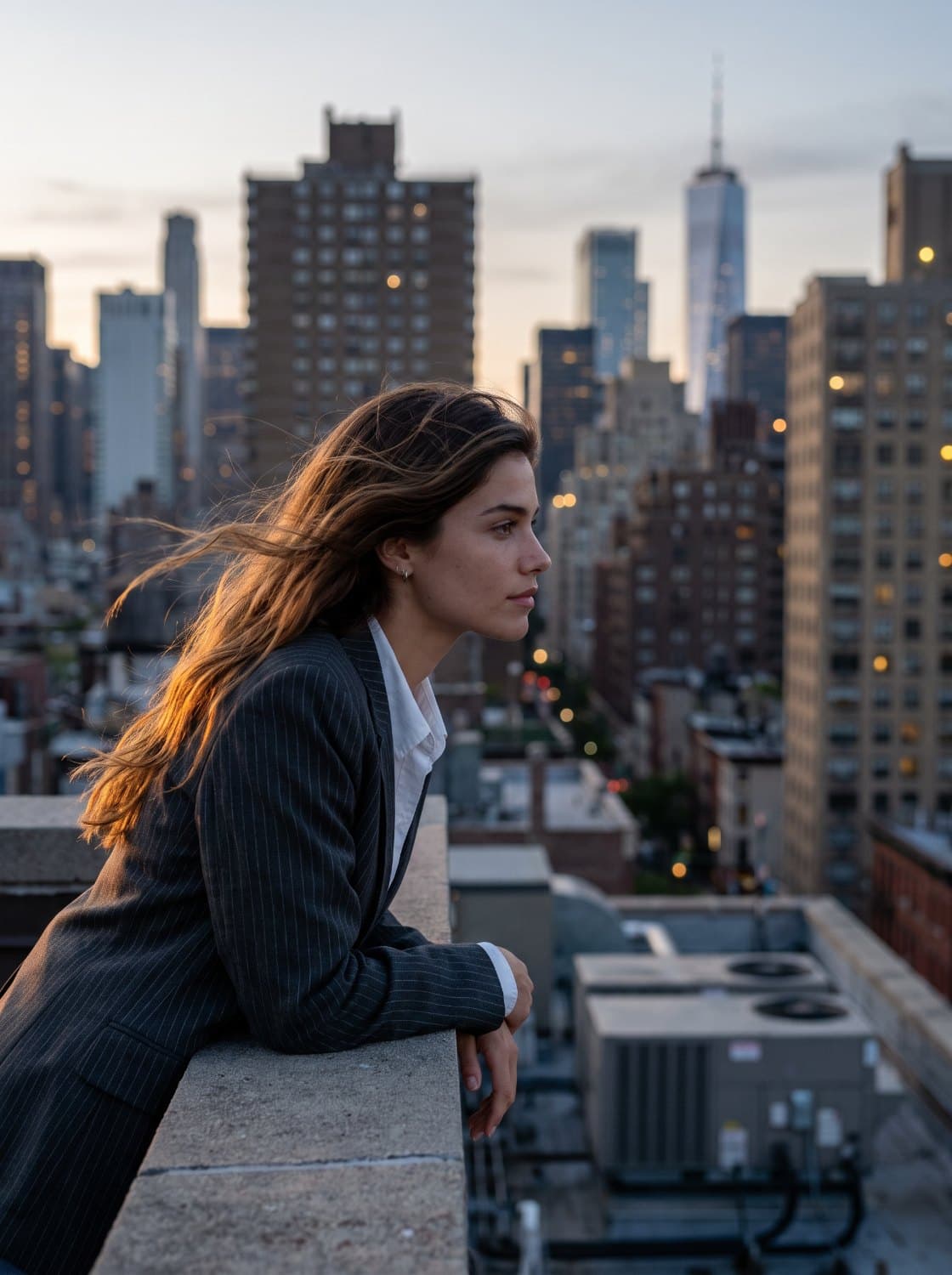
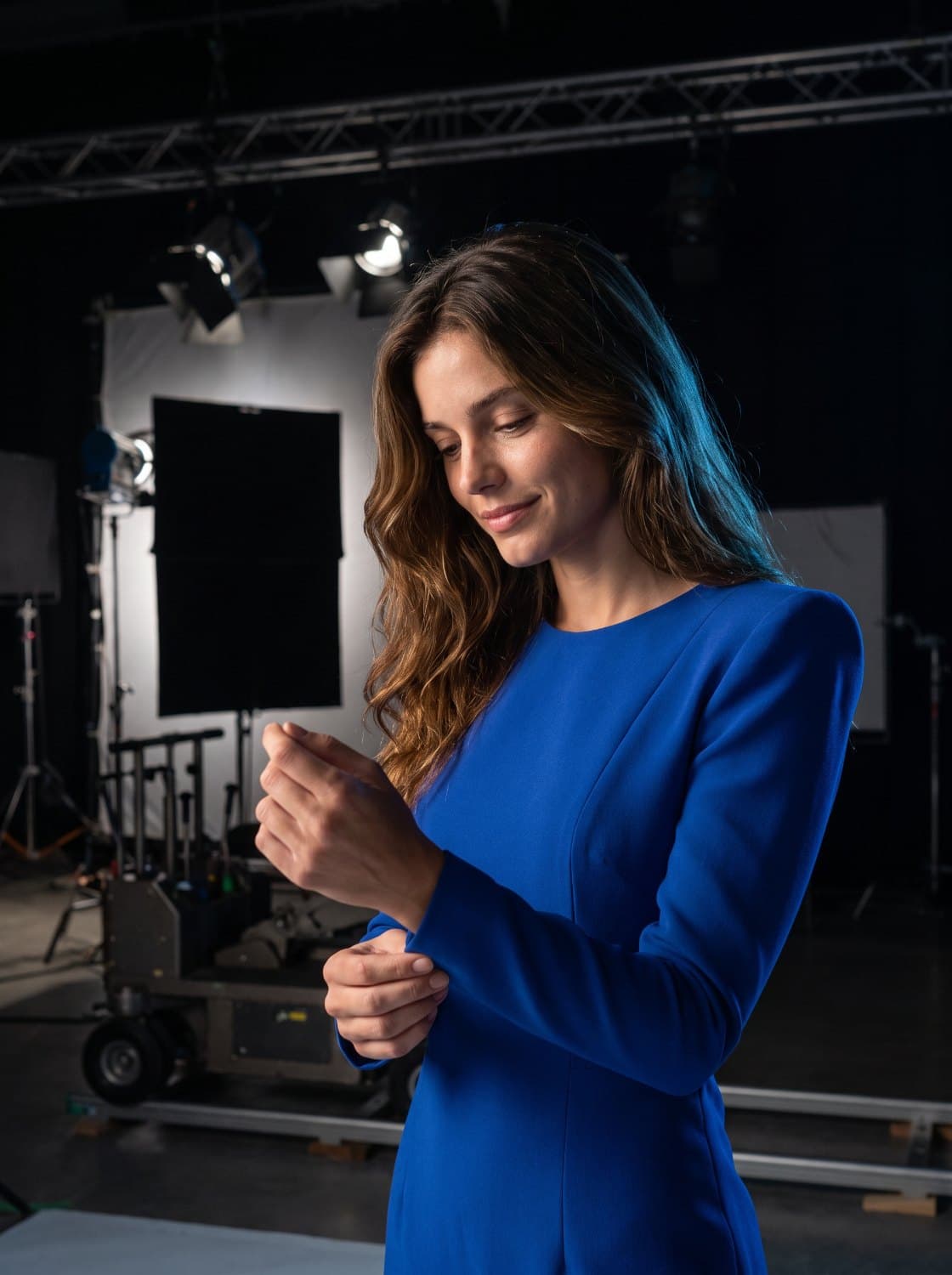
One character, every scene
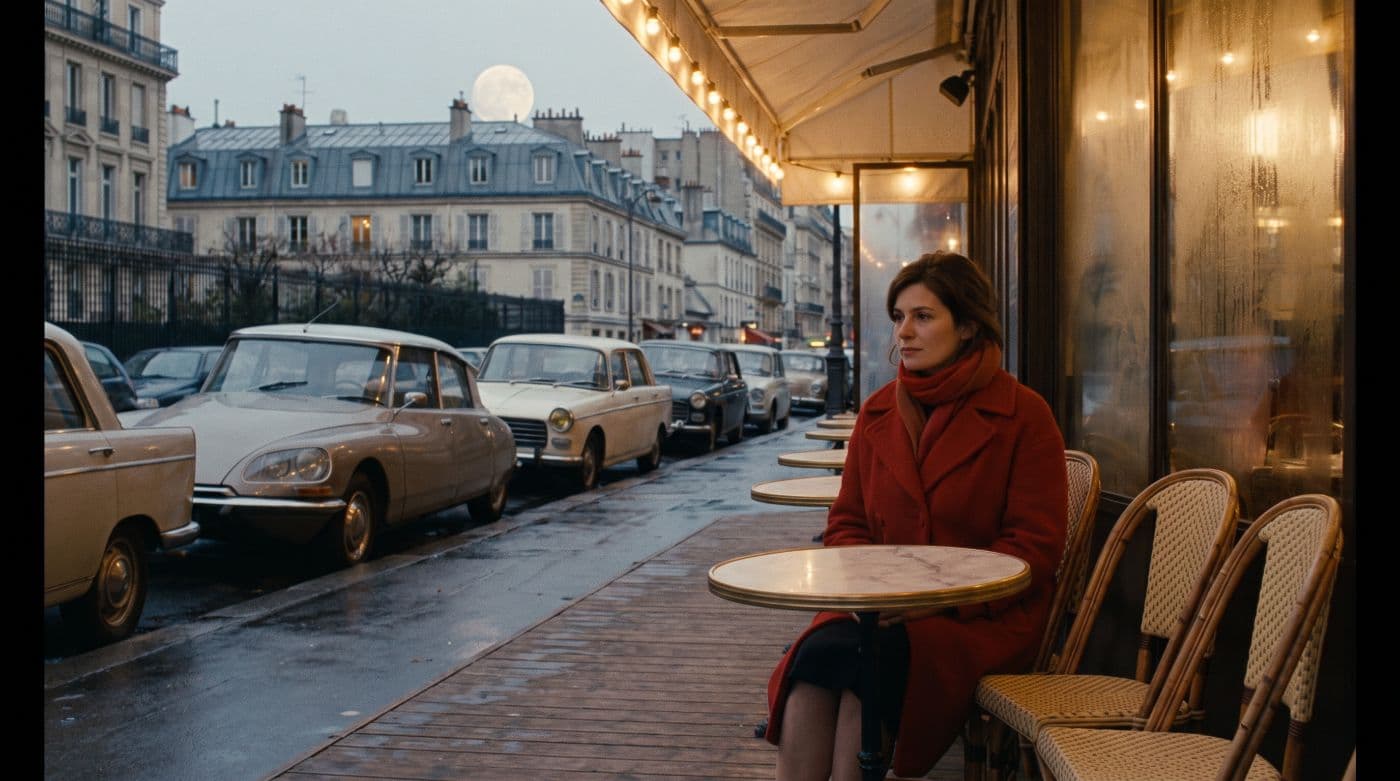
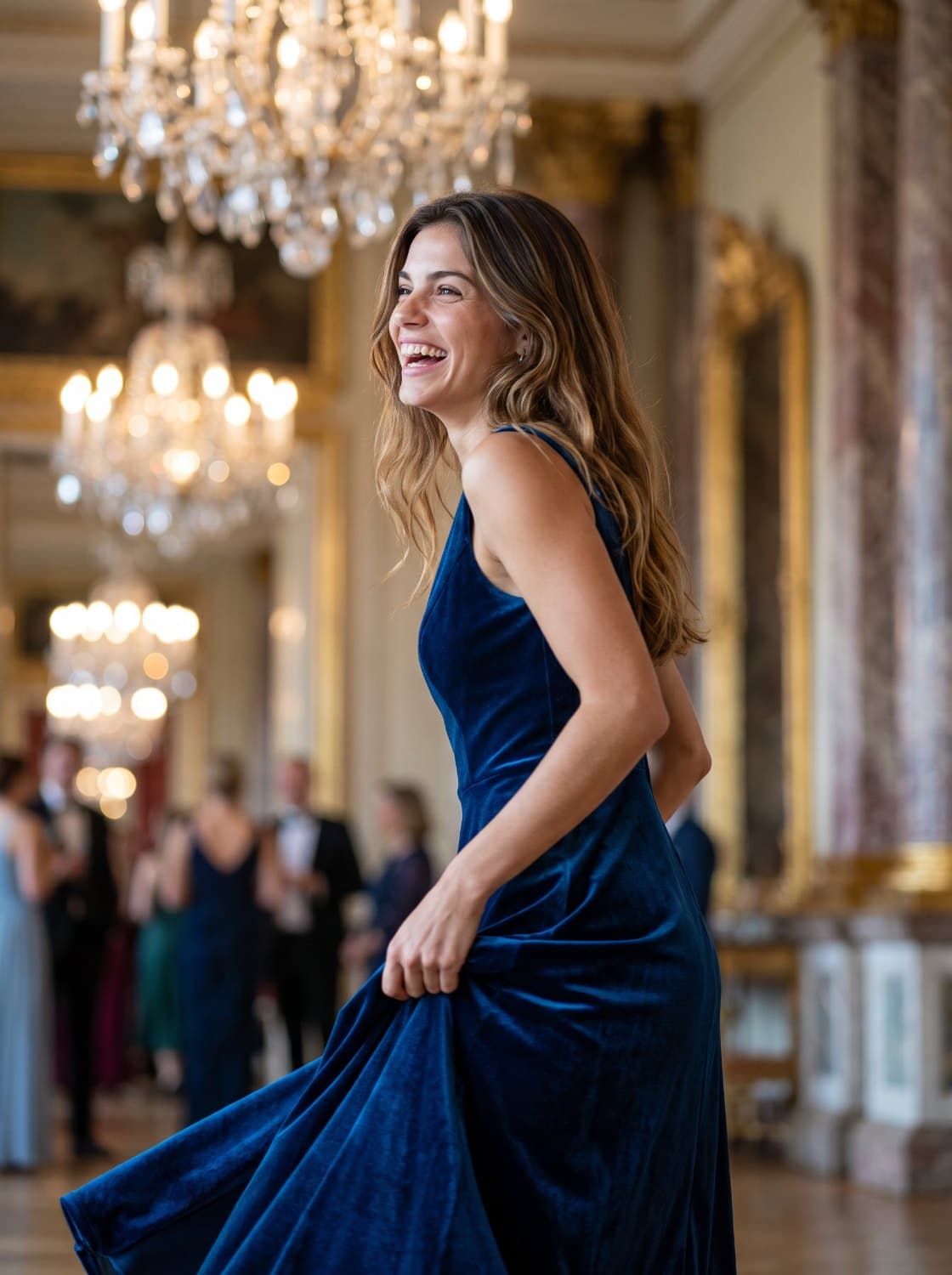
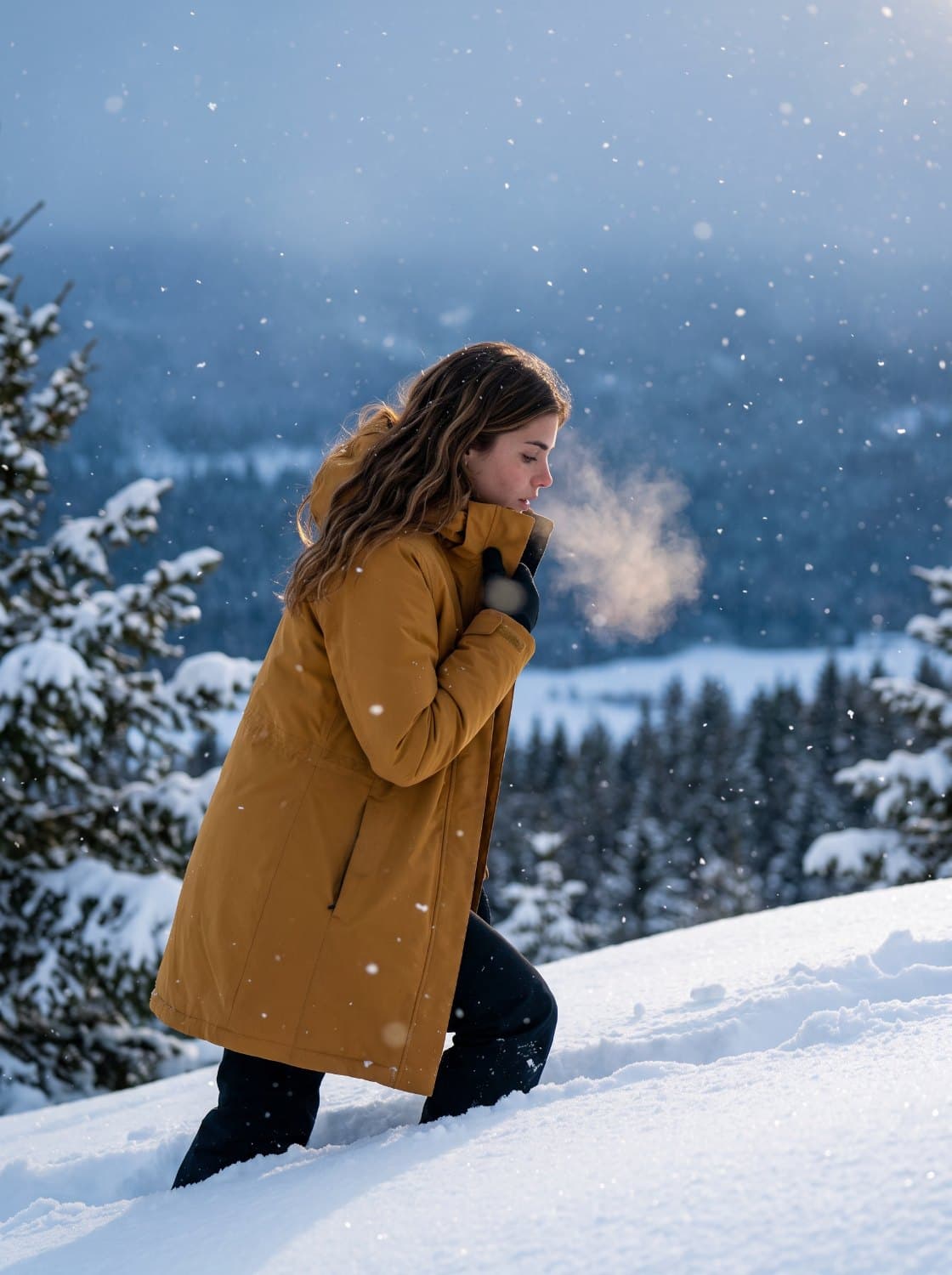
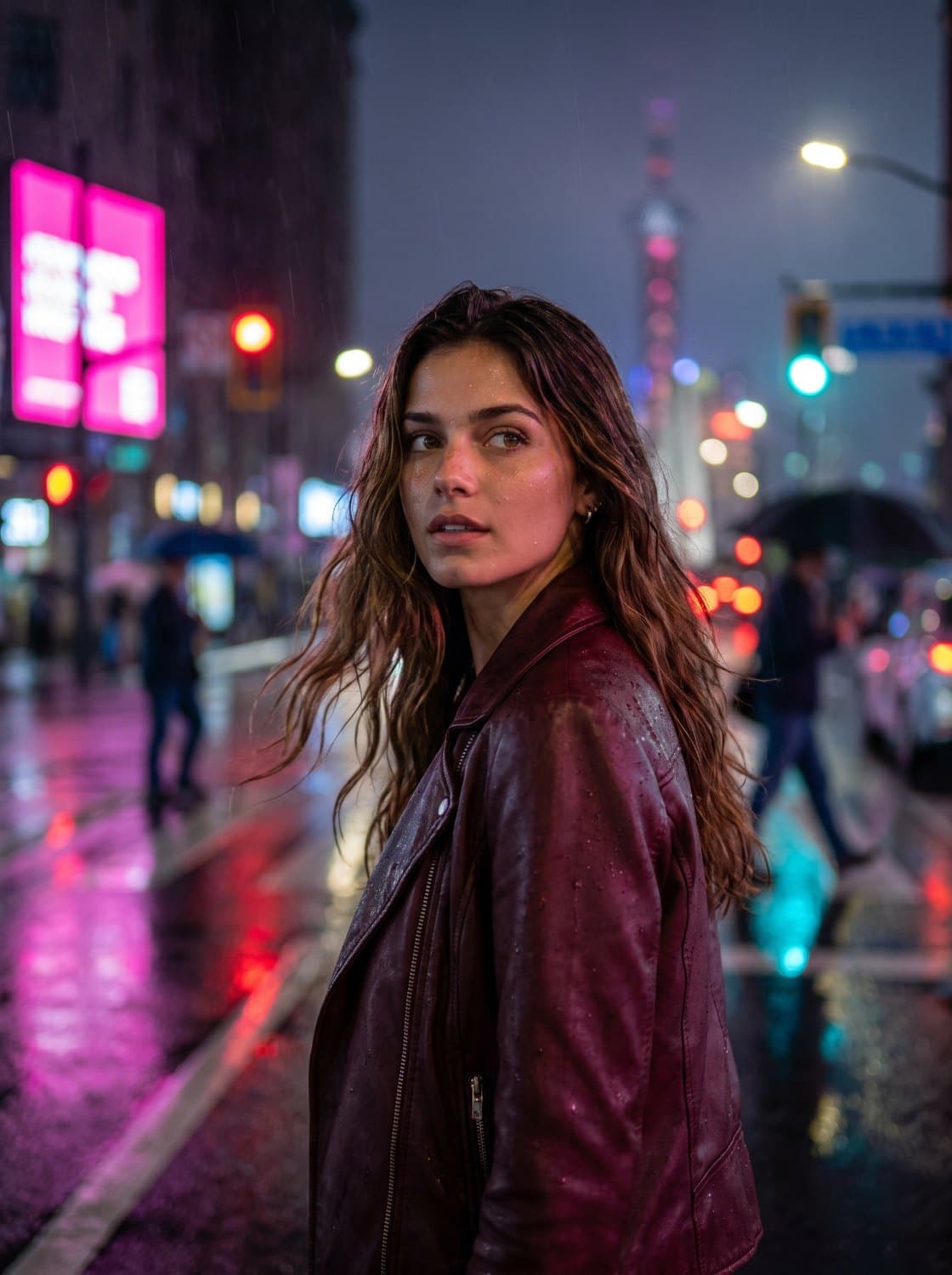
Build a character once, tag her by name, and she stays herself.
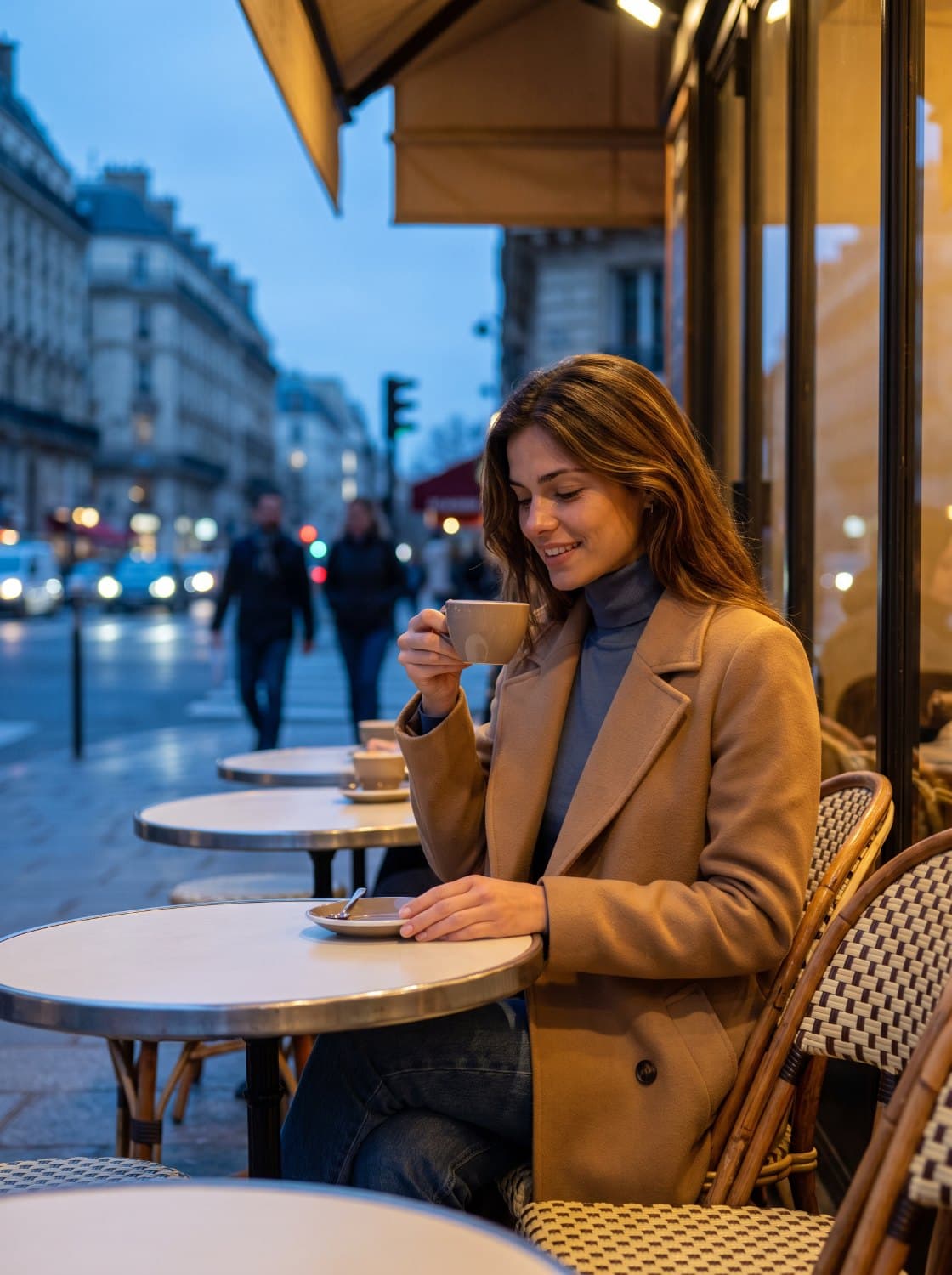
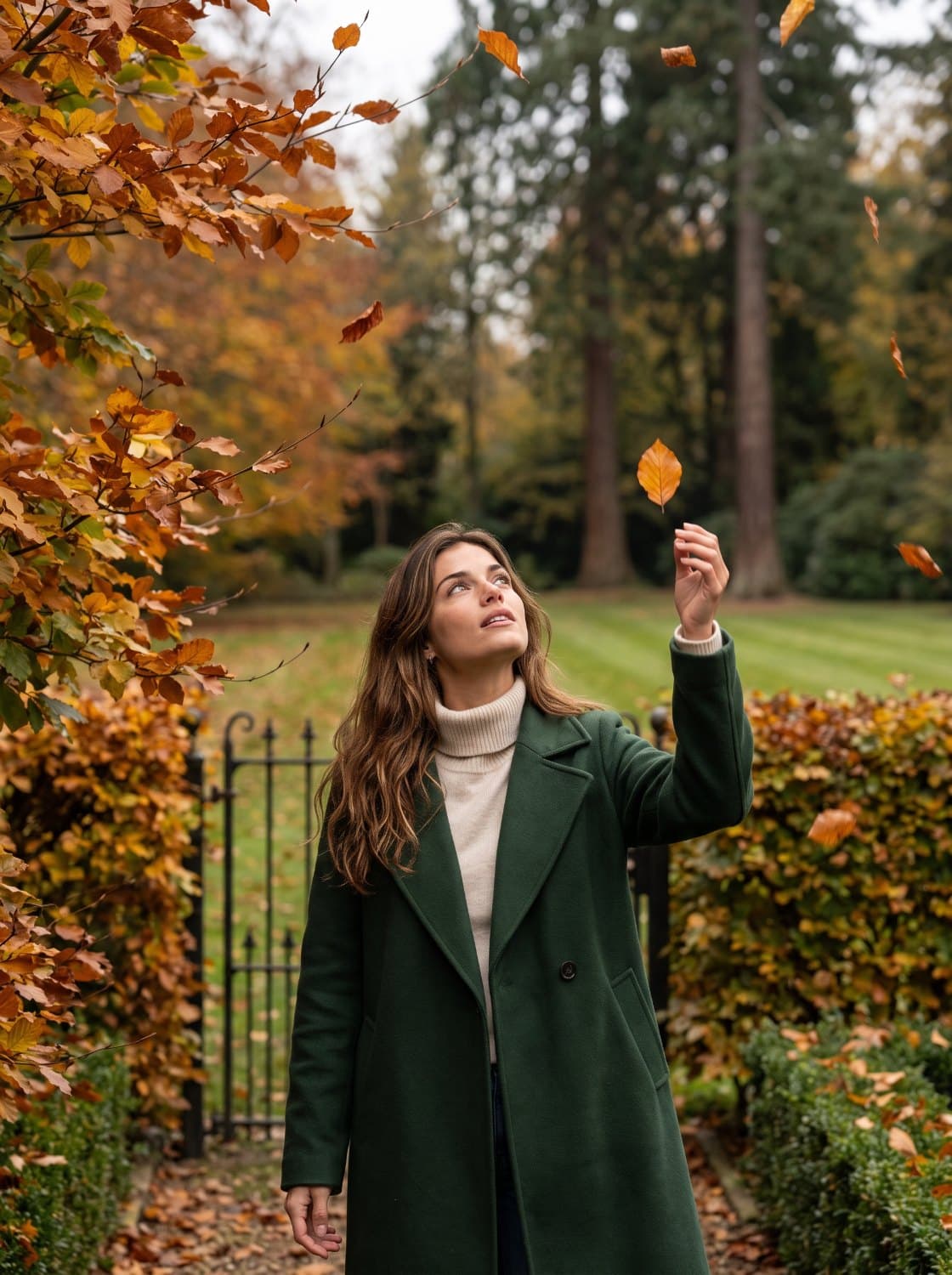
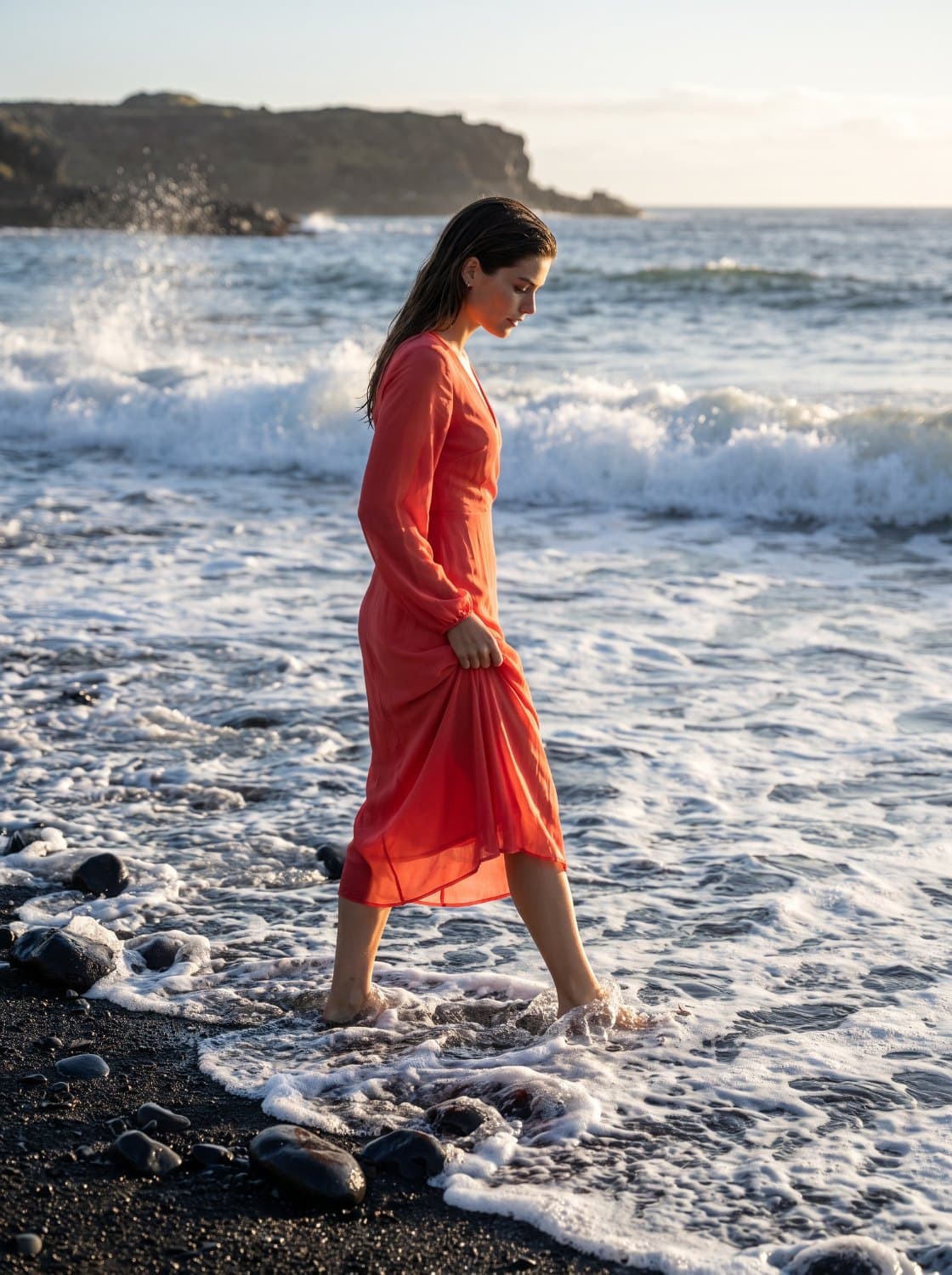
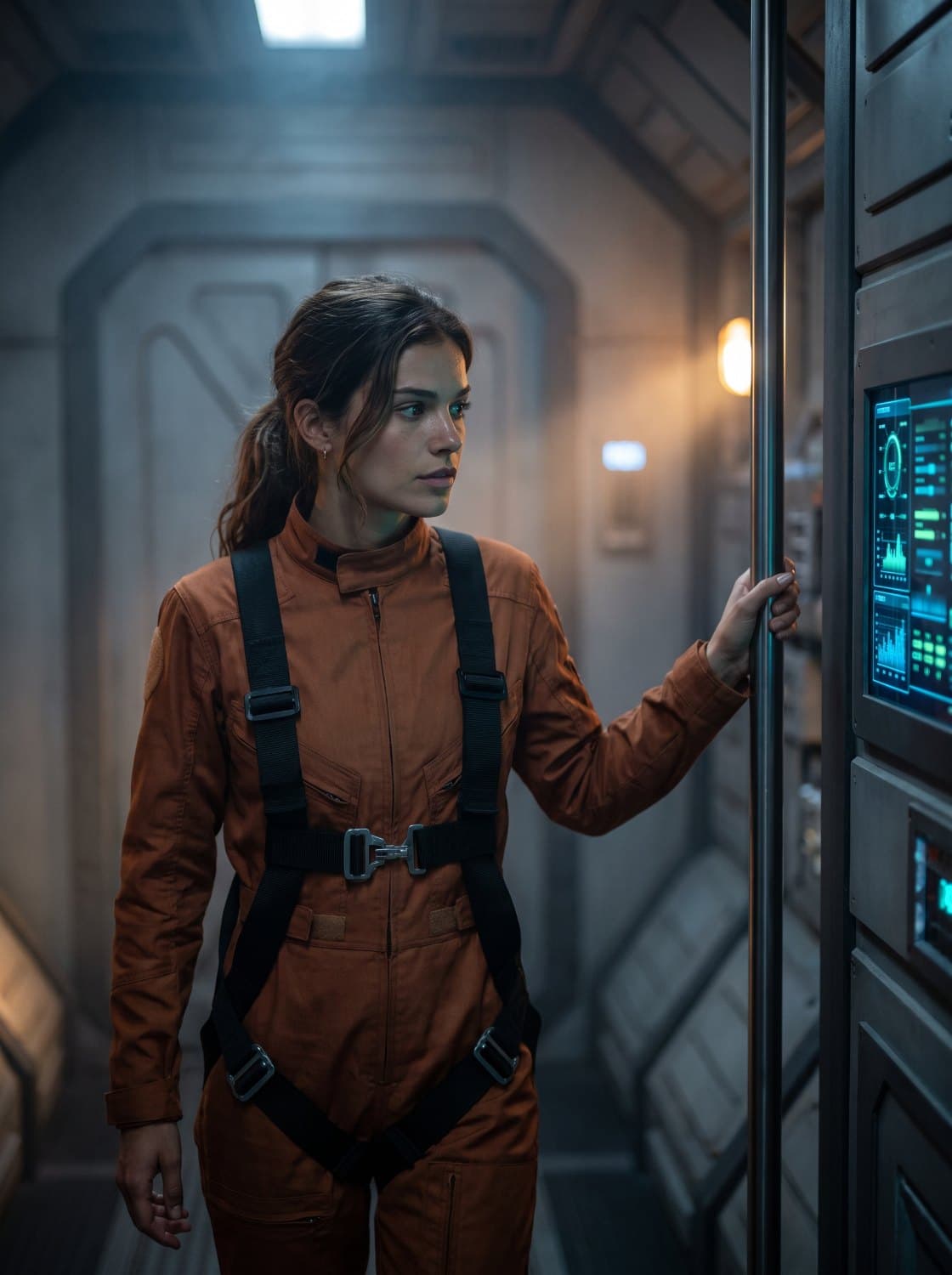
Imaginary MCP Plugin
Create images and videos directly from your prompts in any AI tool.

Claude

Imaginary
Generating
One server, one set of tools. Add it to your client config and the pipeline shows up as commands.
Every model, one workspace
Pick the model that suits the shot. Your work carries across all of them.
 Seedance 2.5
 Seedance 2.0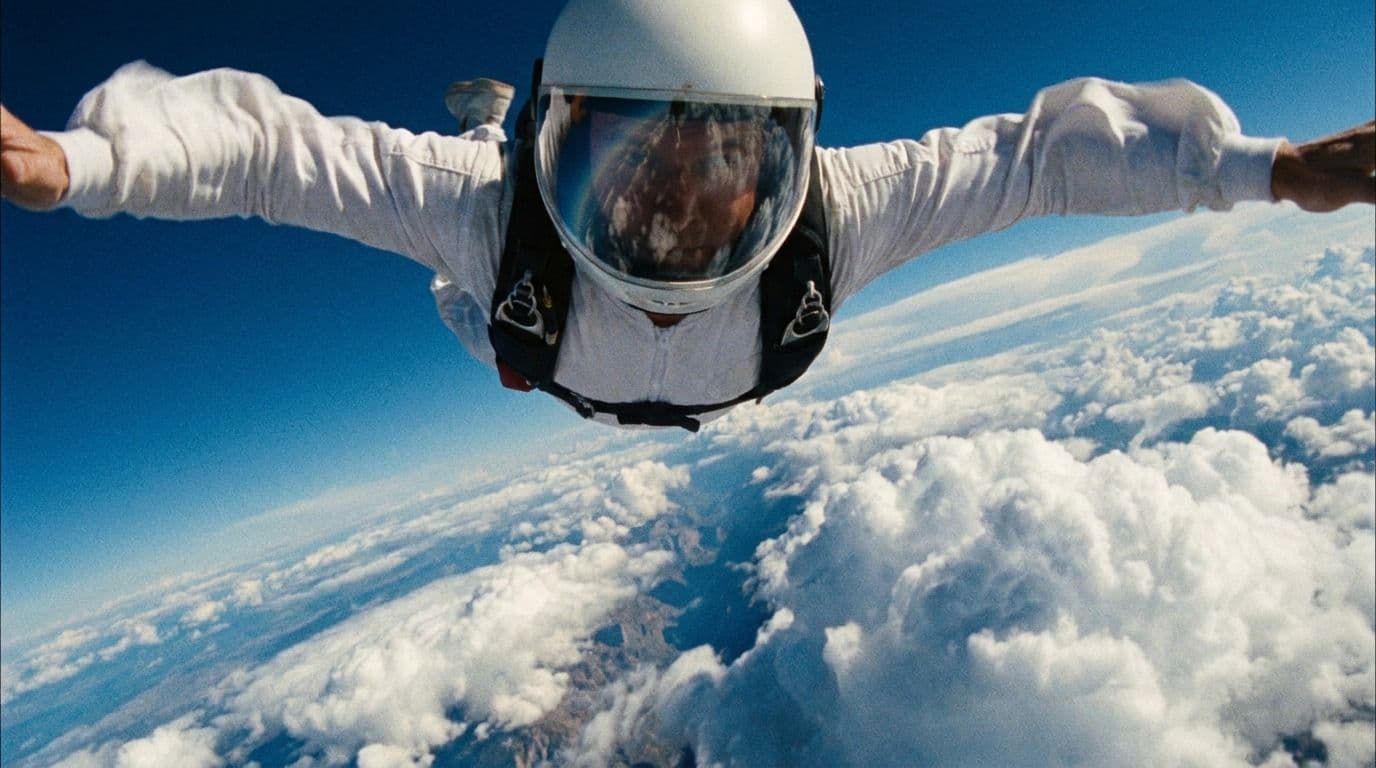
 Kling 3.0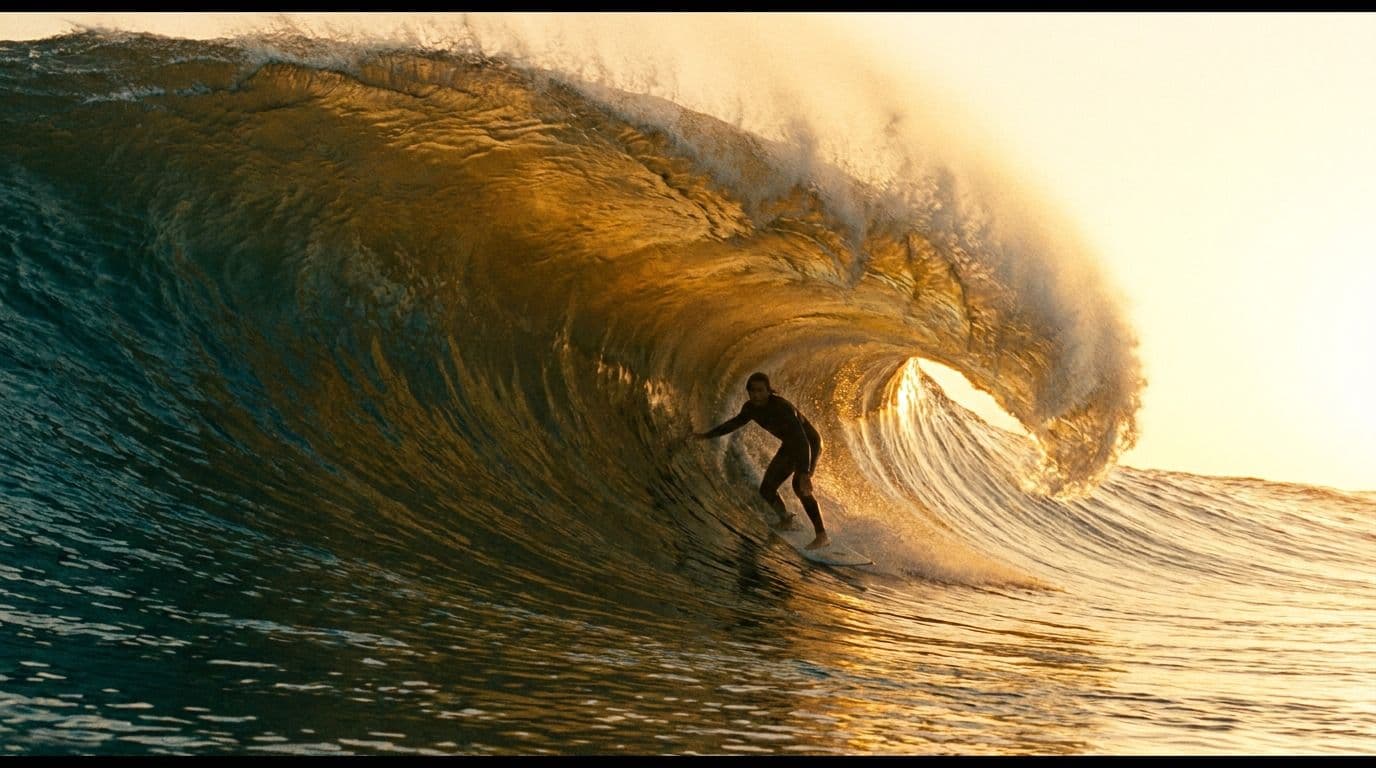
 Google Veo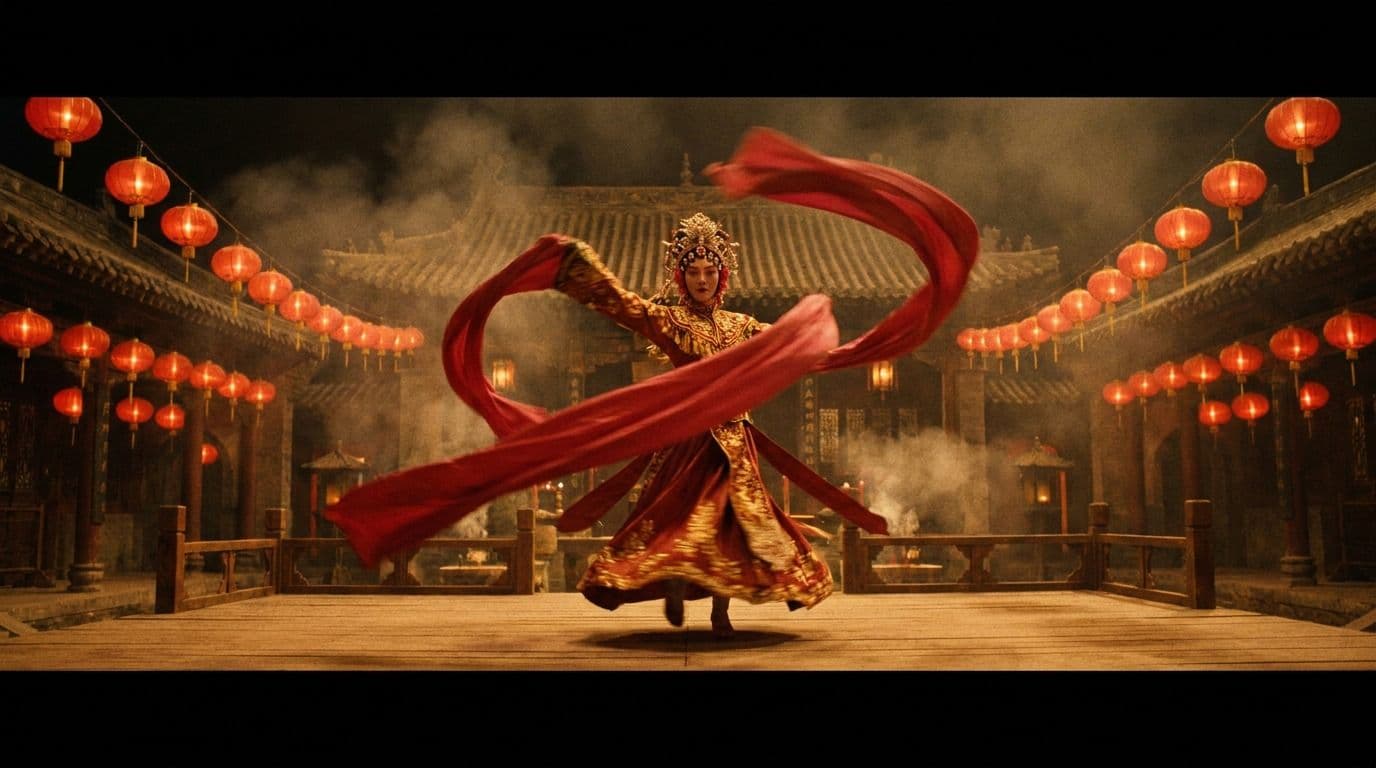
 Wan 3.0
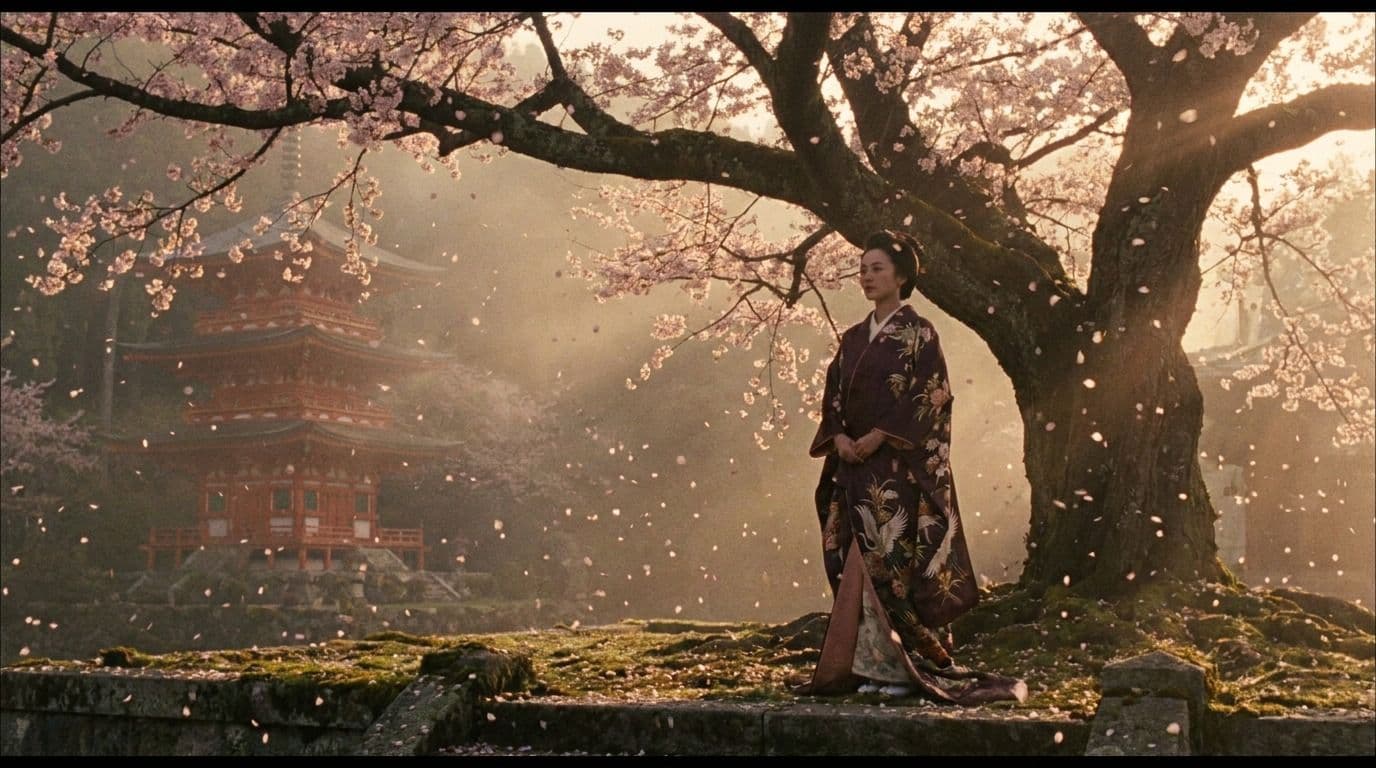 Nano Banana Pro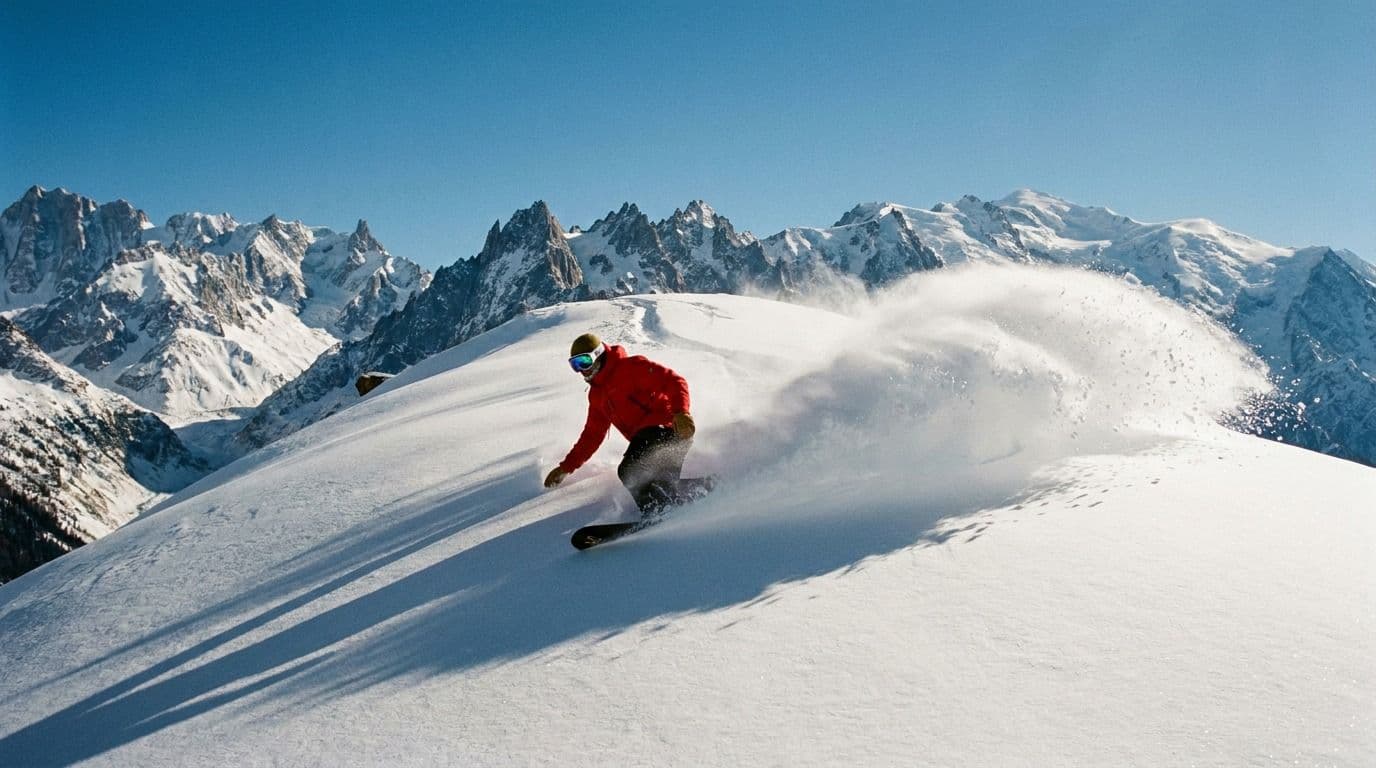
 GPT Image 2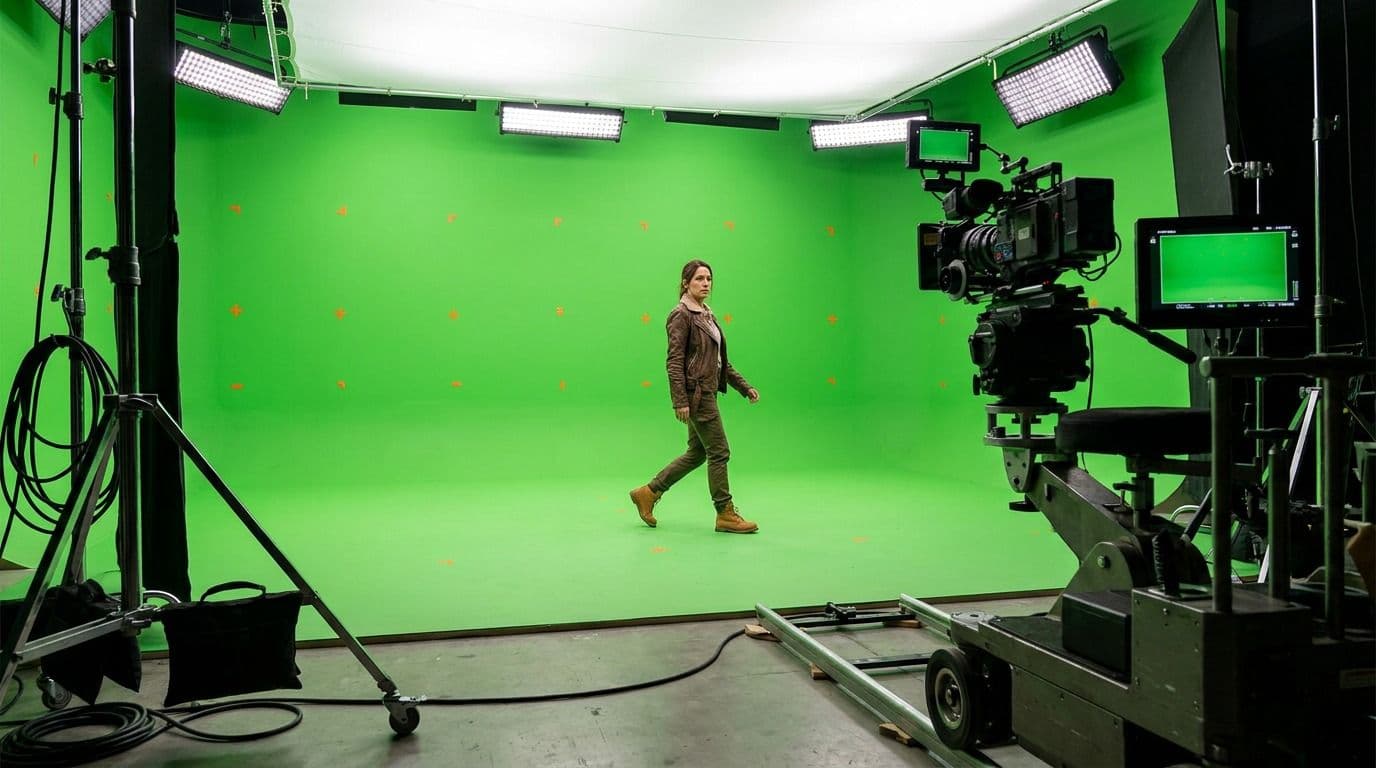
 Beeble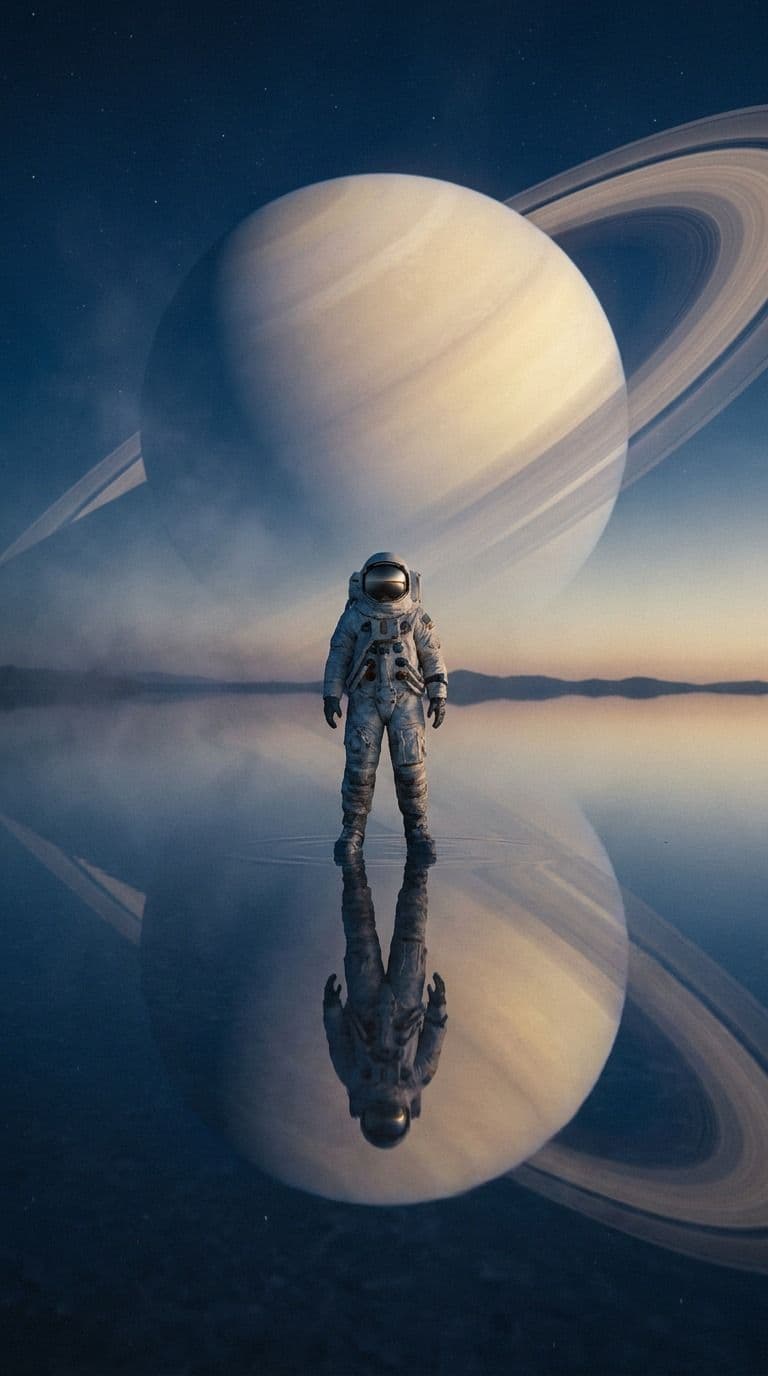
 Grok Imagine
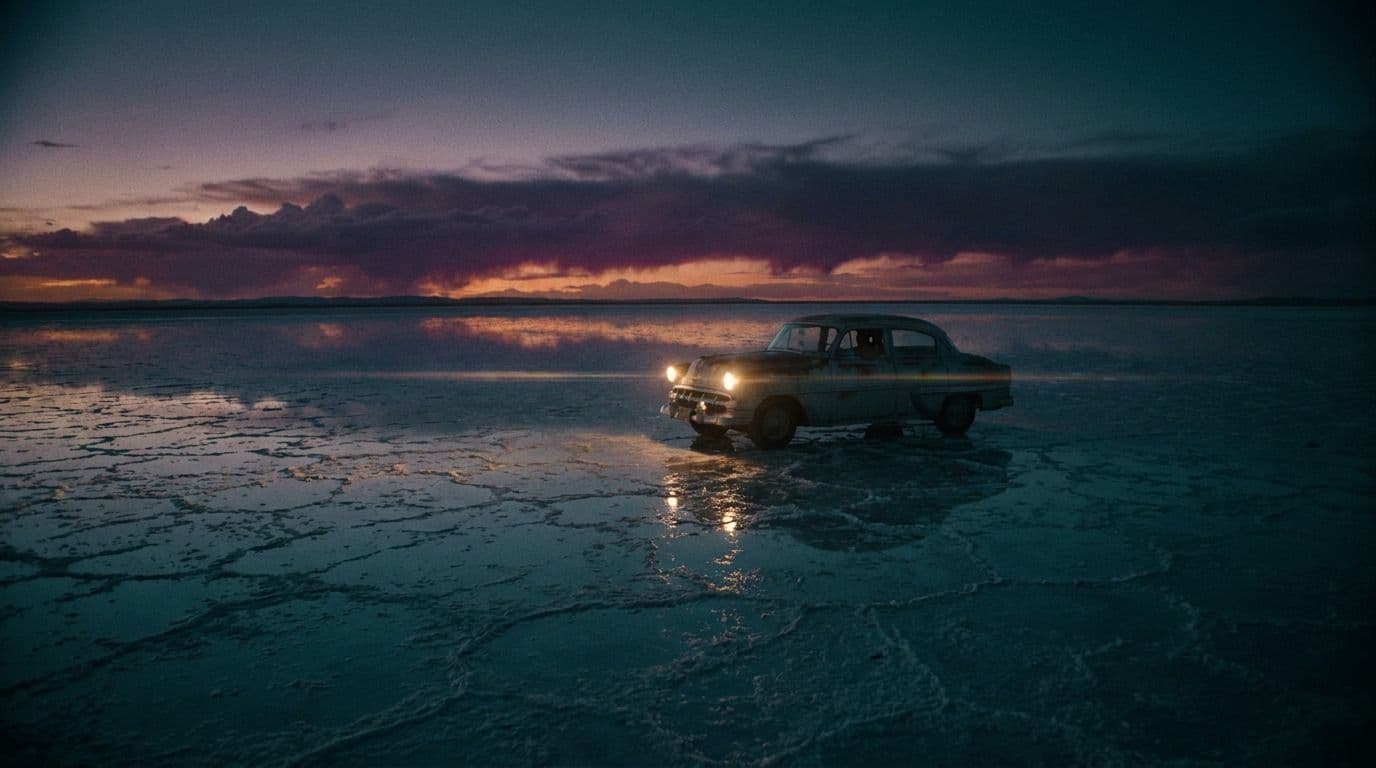
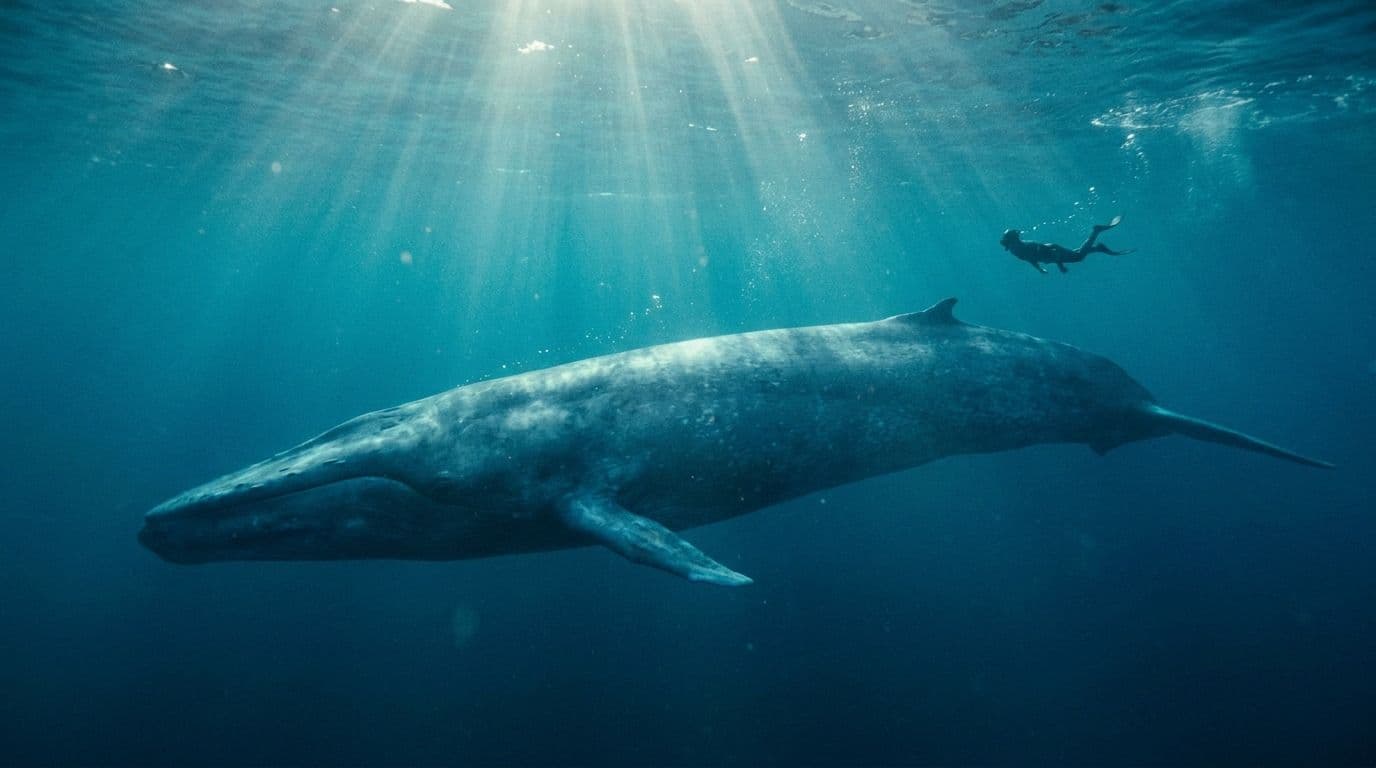
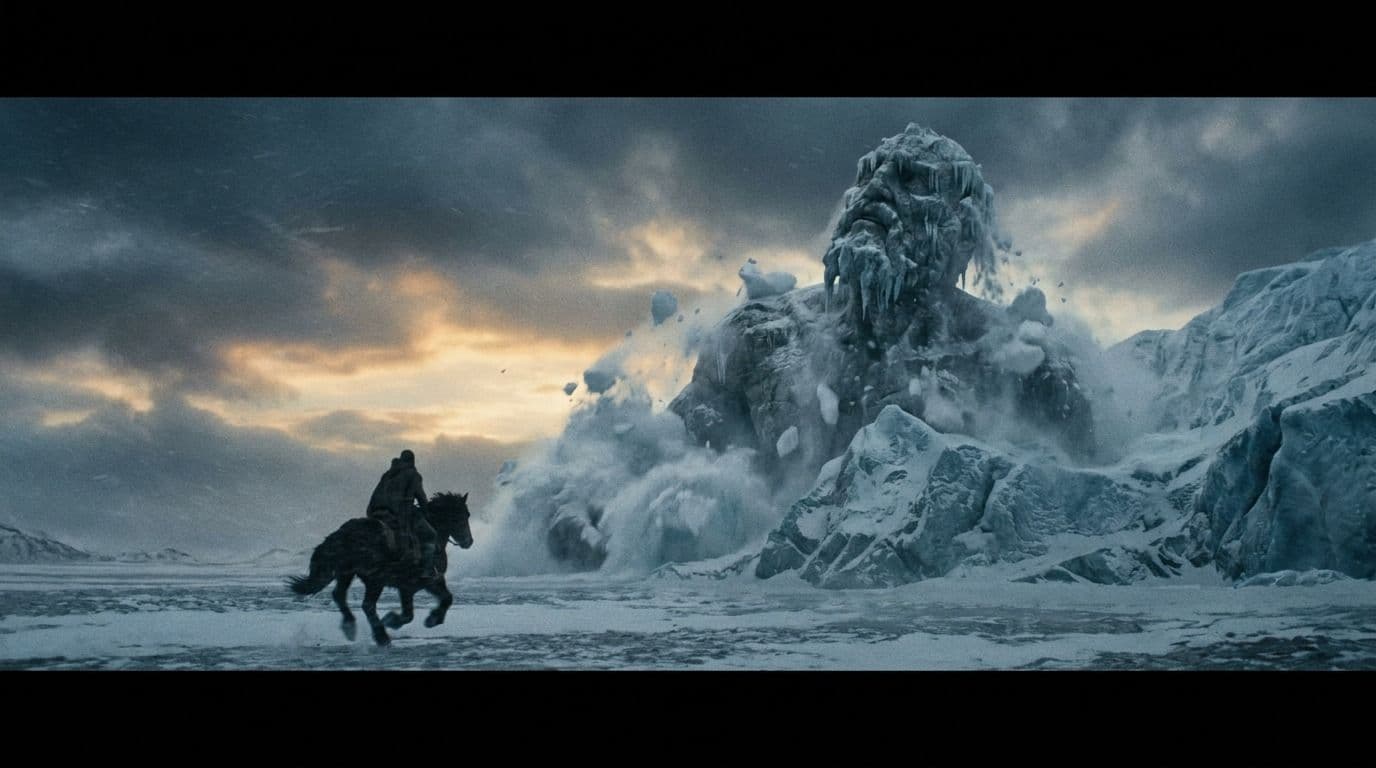
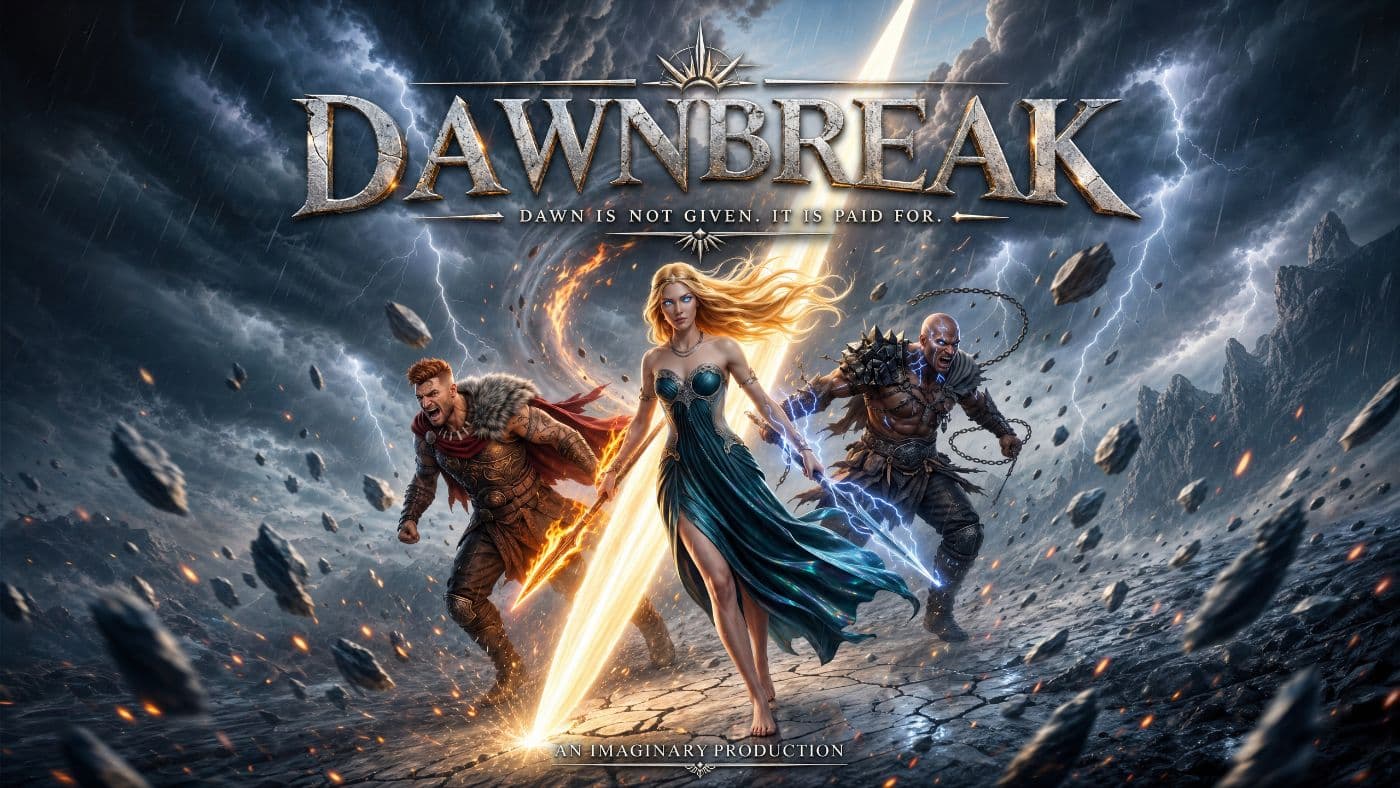
Made with Imaginary
A vertical series, an animated film, a brand spot. All built here.


Buy credits, not a subscription
Top up once. Credits last a year, and bigger top-ups earn a bonus.
Approximate output across popular models at current rates. Minimum top-up is US$50, and separate top-ups do not reset one another.
Frequently asked questions
Twelve months from the day you buy them. Nothing shortens that, and separate top-ups do not reset each other.
No. Credits only. There is no monthly commitment keeping the account open.
Shots. You bring the characters, wardrobe, props, locations, staging and camera. Imaginary generates the frames and takes from those.
No. Imaginary generates, it does not edit. Shots come out ready for whichever suite your post team already works in.
Yes. Define the character once, then tag them by name. The look holds across any model and any scene.
Anything that speaks MCP: Claude, ChatGPT, Codex and others. Add it to the client config and the pipeline shows up as commands.
Produce with Imaginary
Bring the script. Staging, framing, direction and generation all happen here.